主题
本文译自 The Omarchy Manual — Themes,同步自 basecamp/omarchy@ed7bae4。术语以 TERMS.md 为准。
Omarchy 自带二十二套精心设计的主题。你可以在 Omarchy 菜单(Super + Space)里通过 Style > Theme 挑选,或用 Super + Ctrl + Shift + Space 直接跳到主题选择器。
每套主题会同时装扮桌面、终端、Neovim、活动监视器(btop)、Chromium,以及整个 Omarchy shell:顶栏、菜单、通知、OSD 和锁屏。(Obsidian 需要你在应用内通过 Appearance > Themes 手动选择 Omarchy 主题。)
每套主题还带一组背景图,可用 Super + Ctrl + Space 轮换。
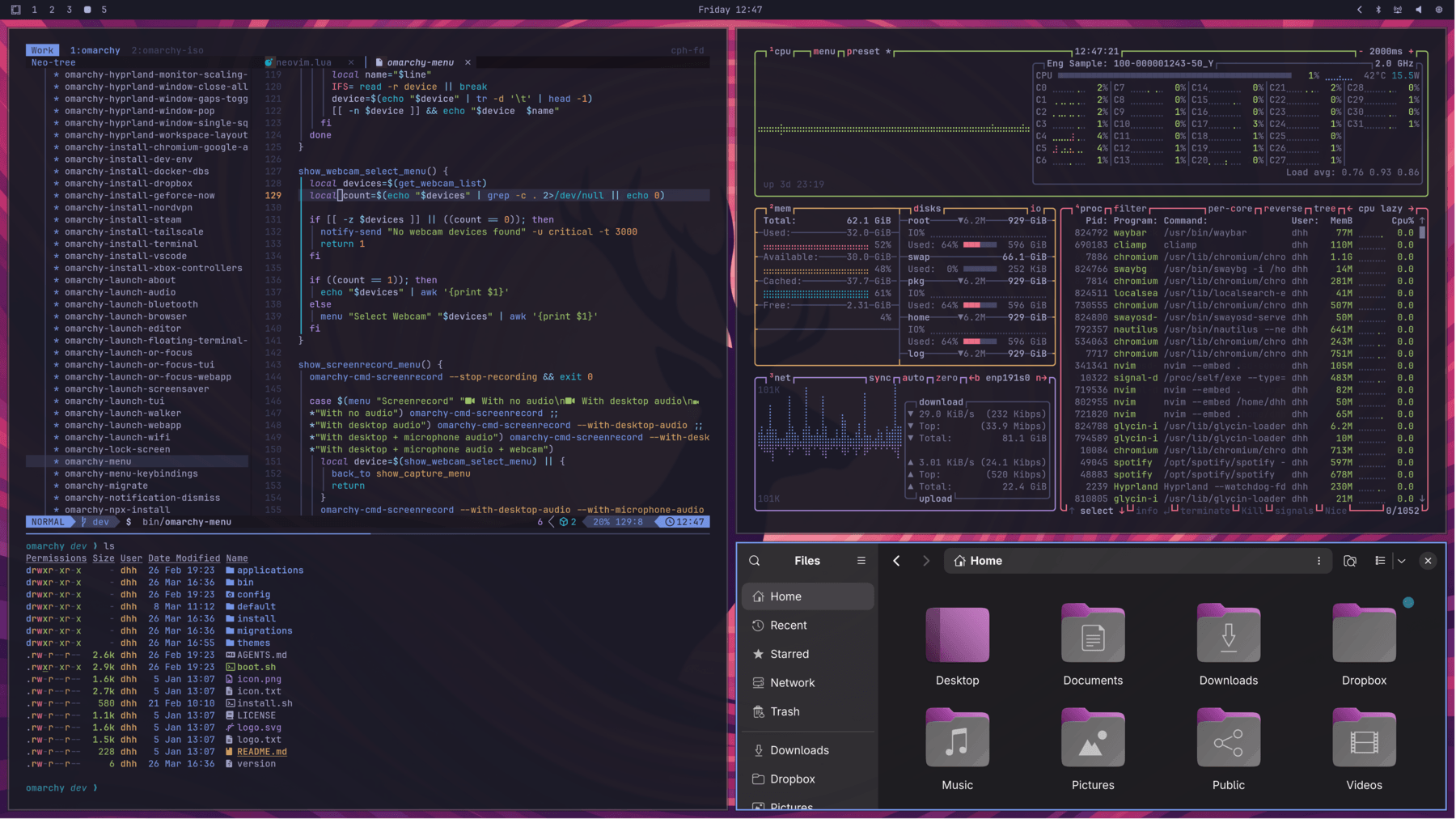 Tokyo Night
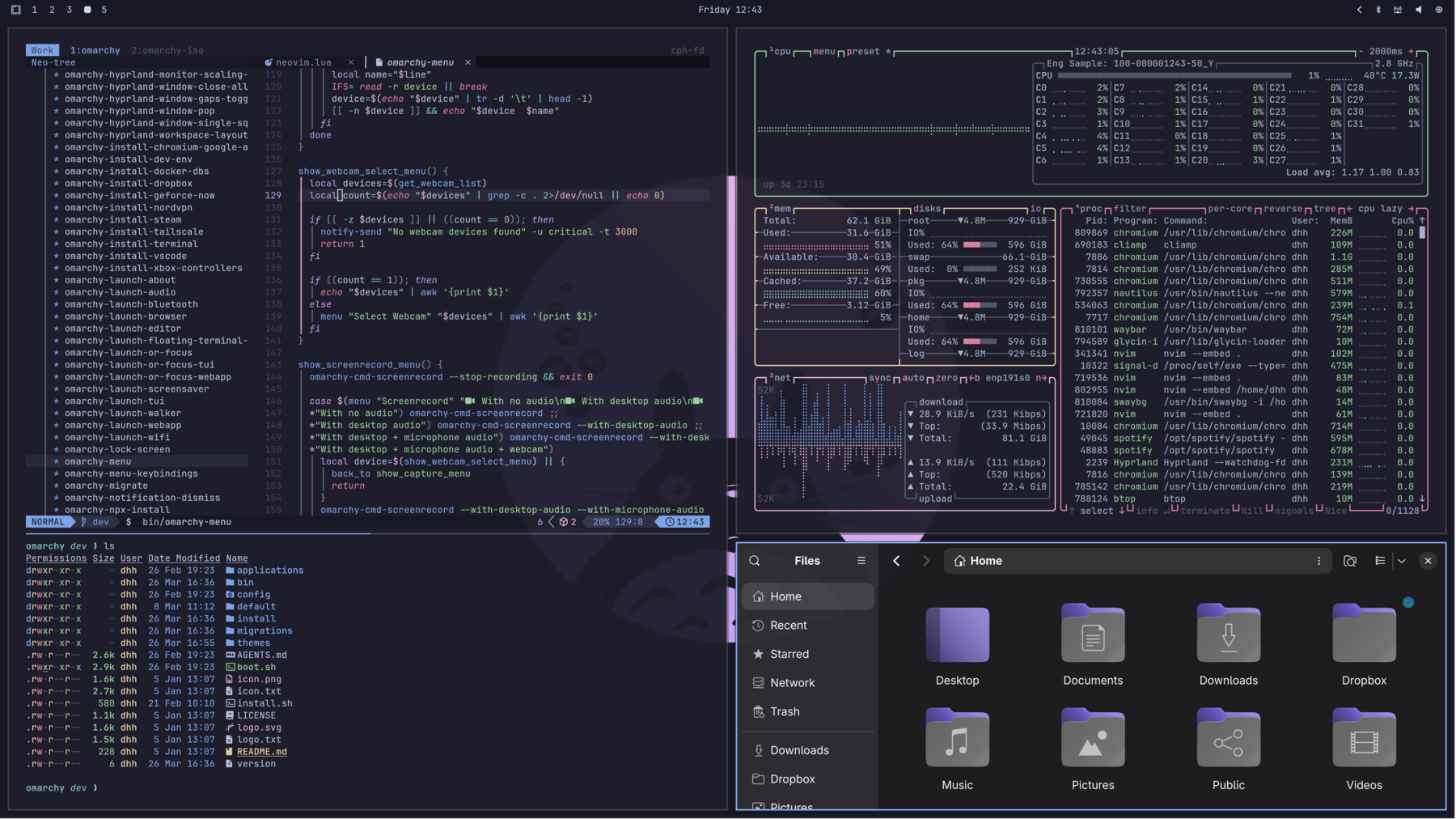 Catppuccin
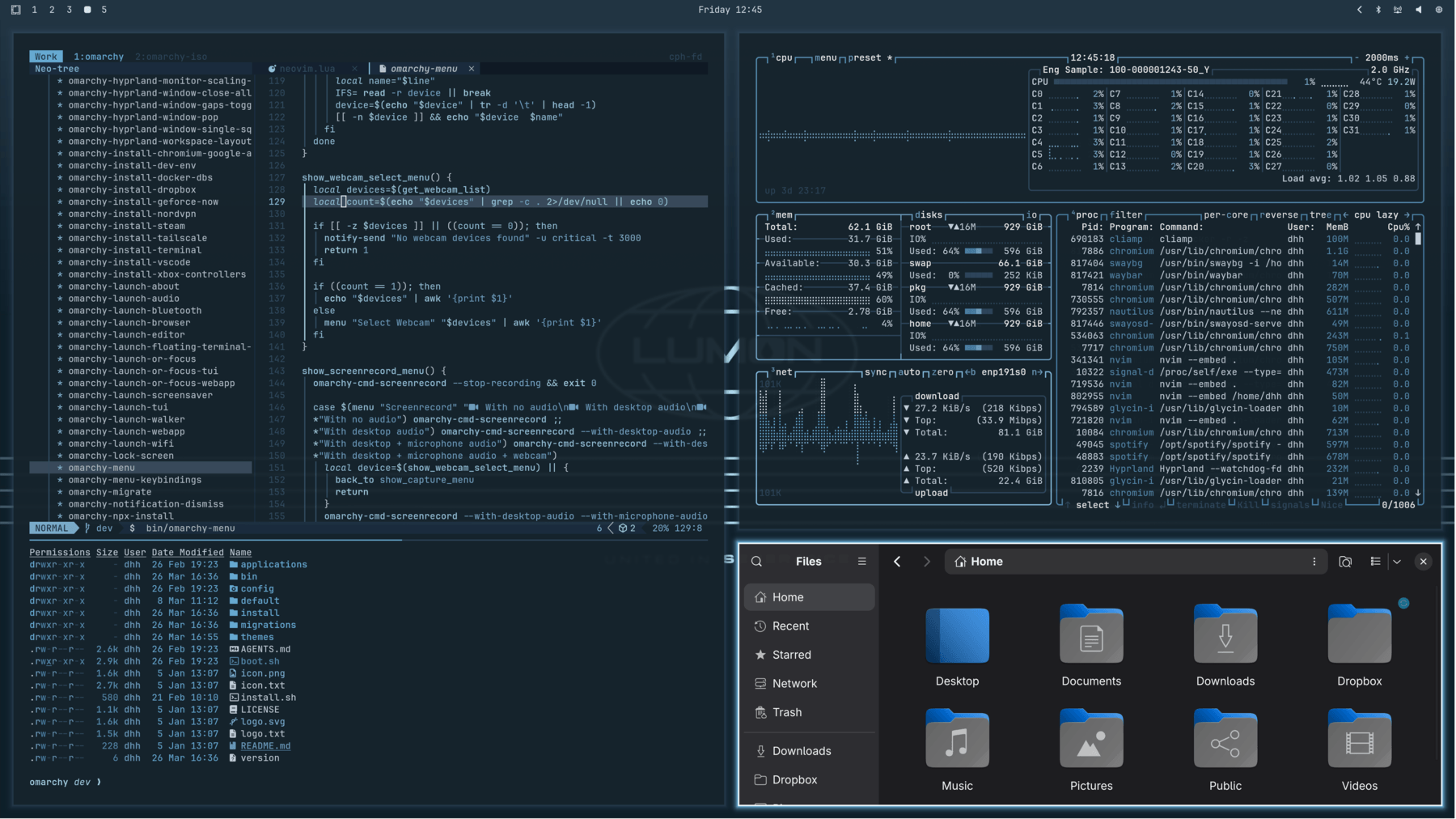 Lumon
Lumon
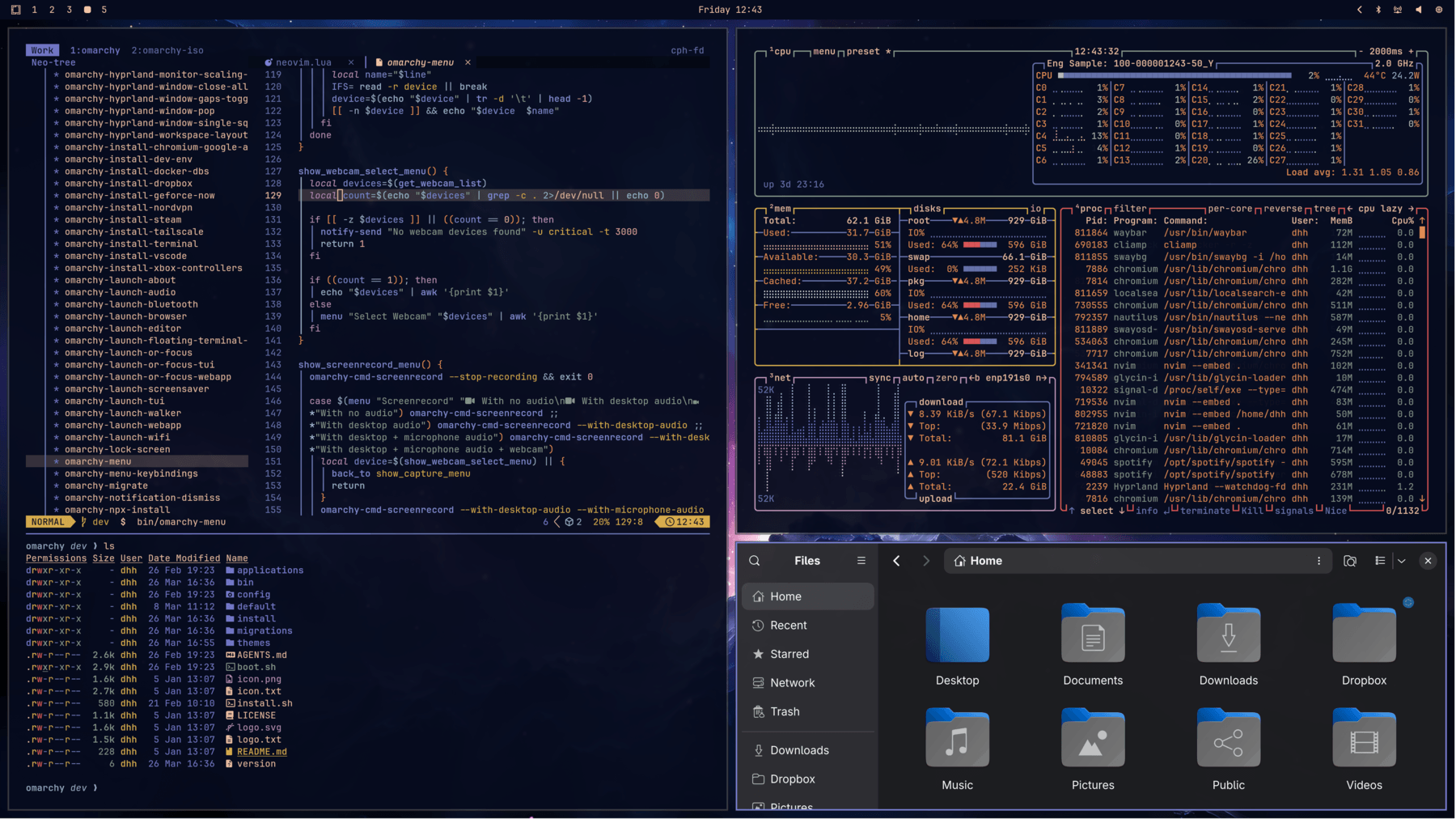 Ethereal
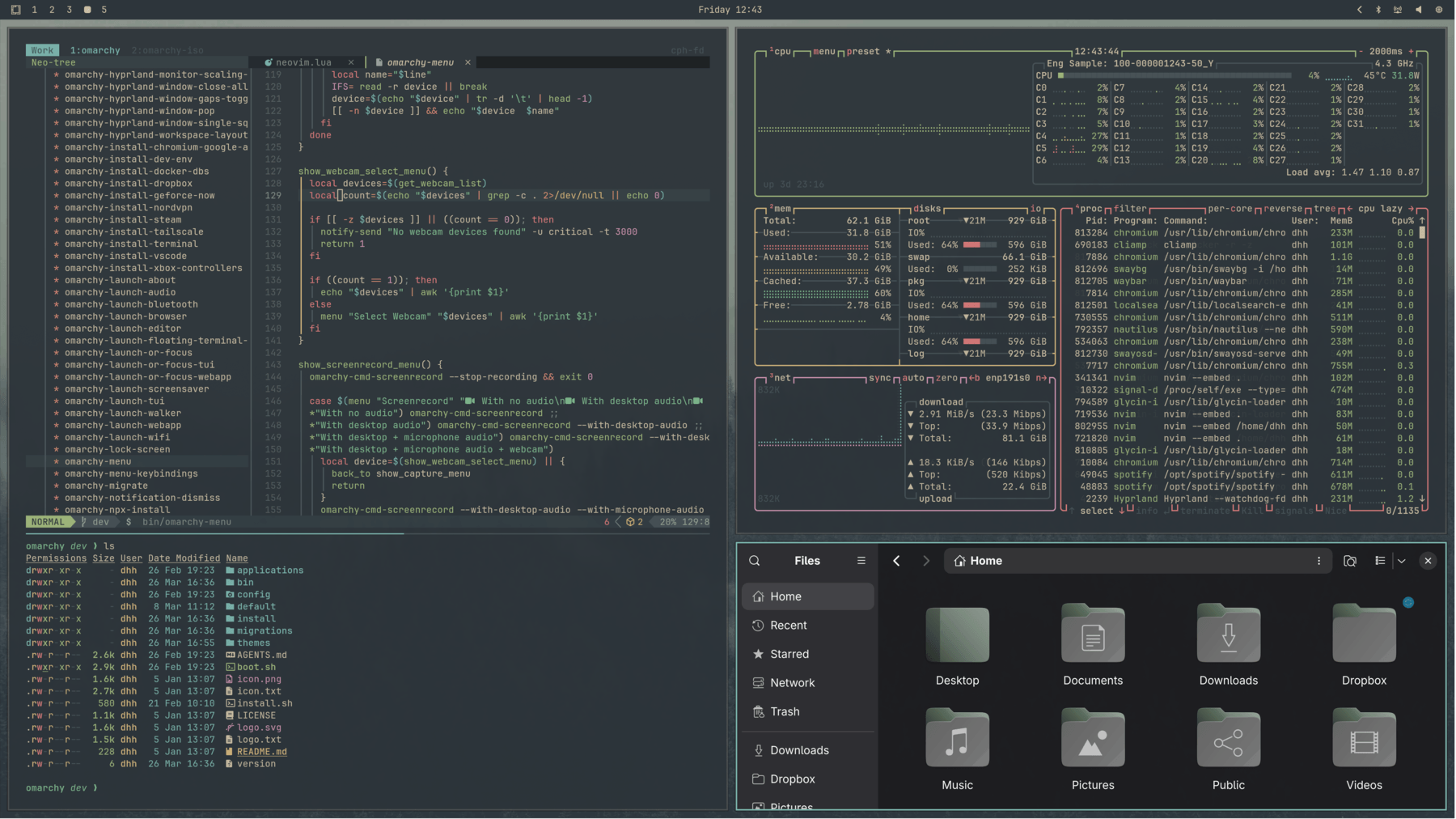 Everforest
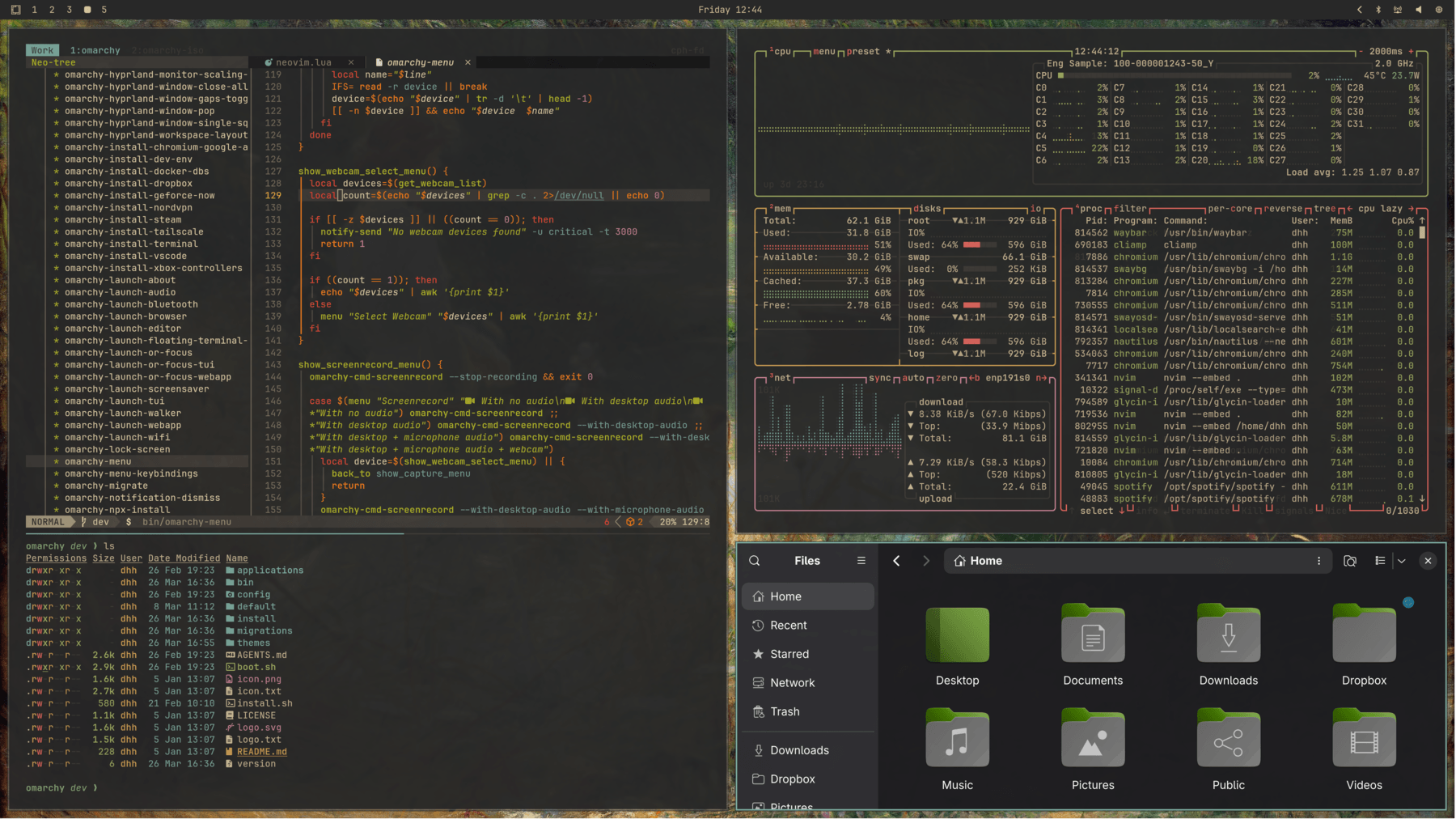 Gruvbox
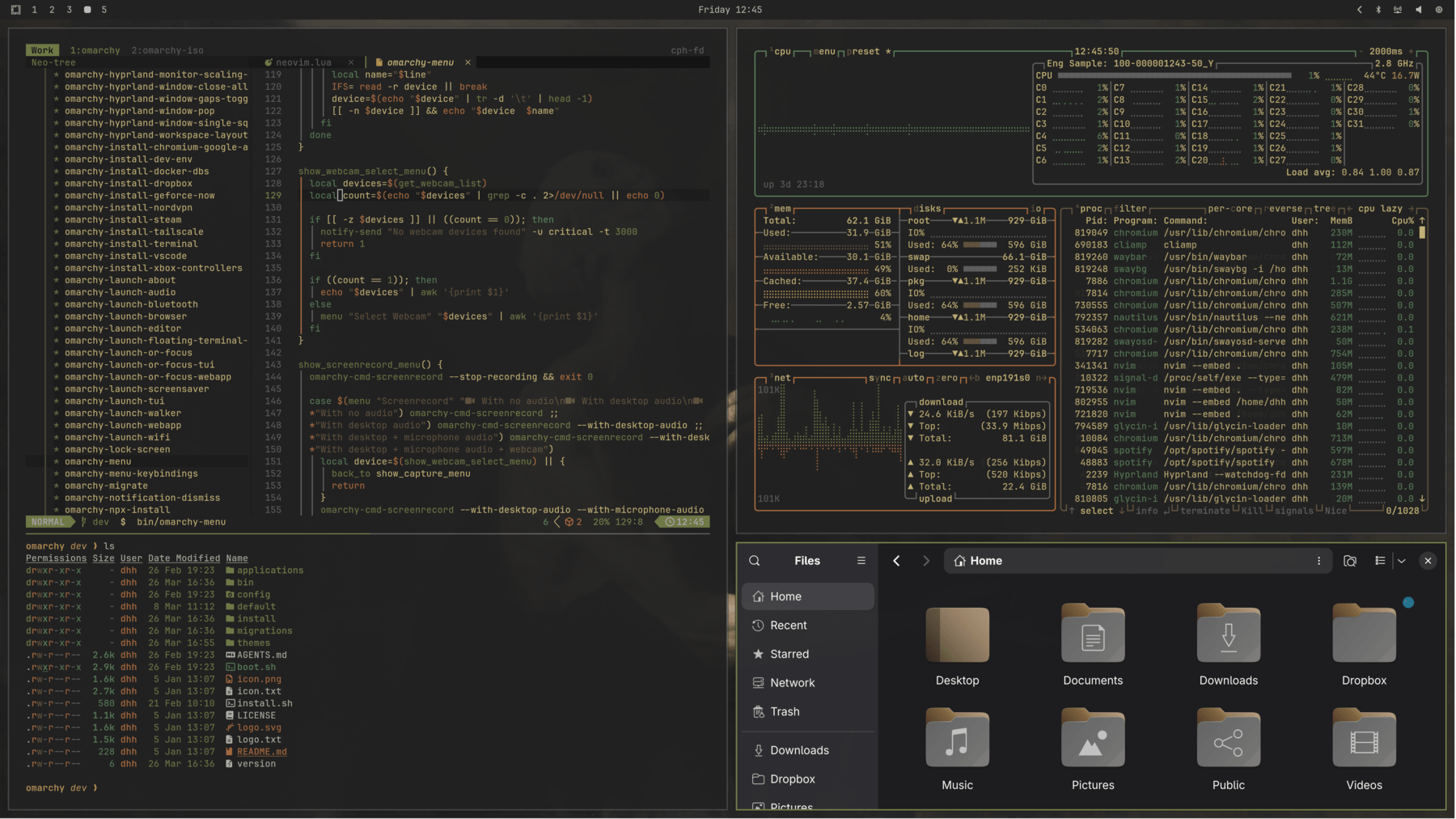 Miasma
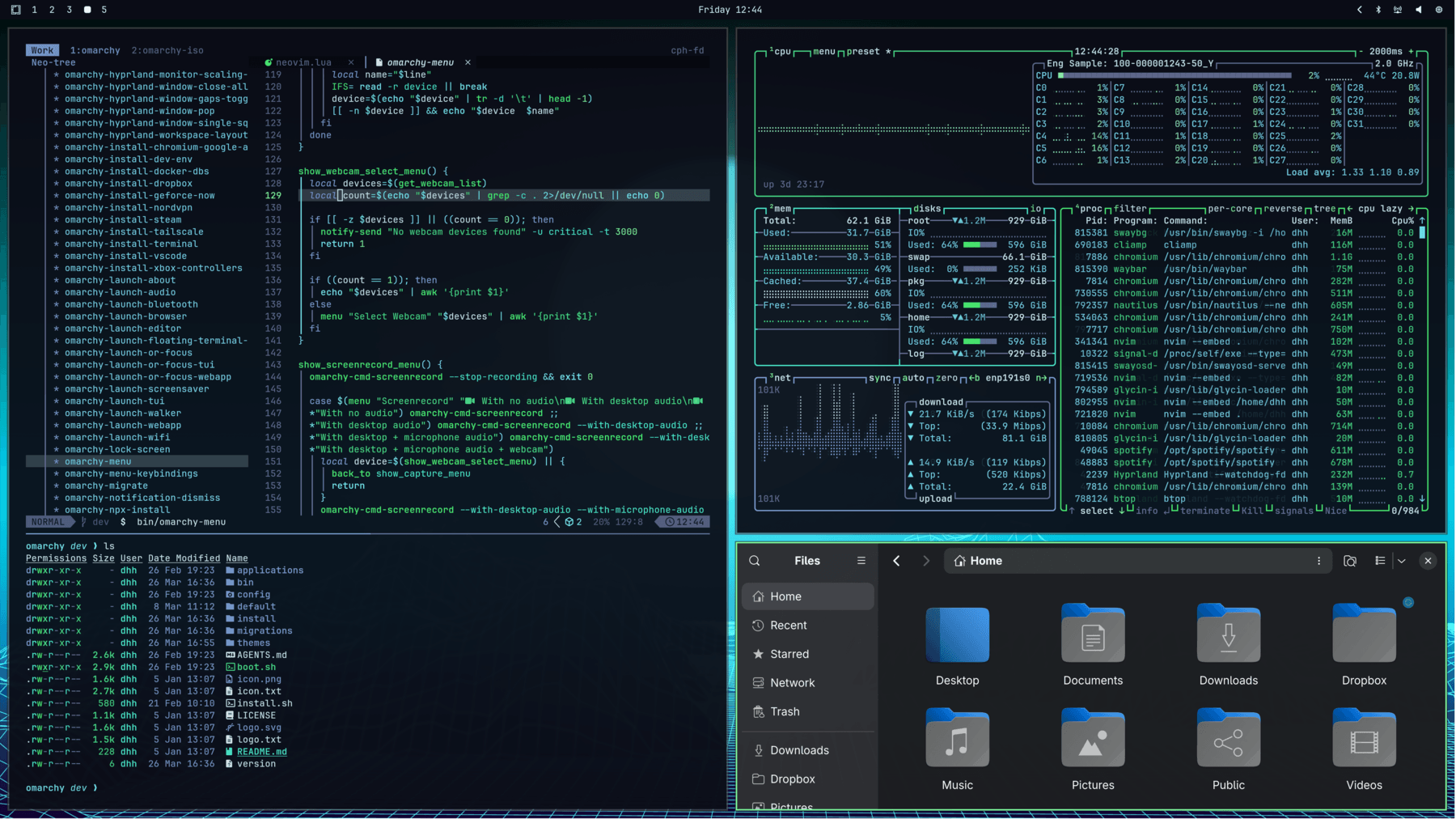 Hackerman
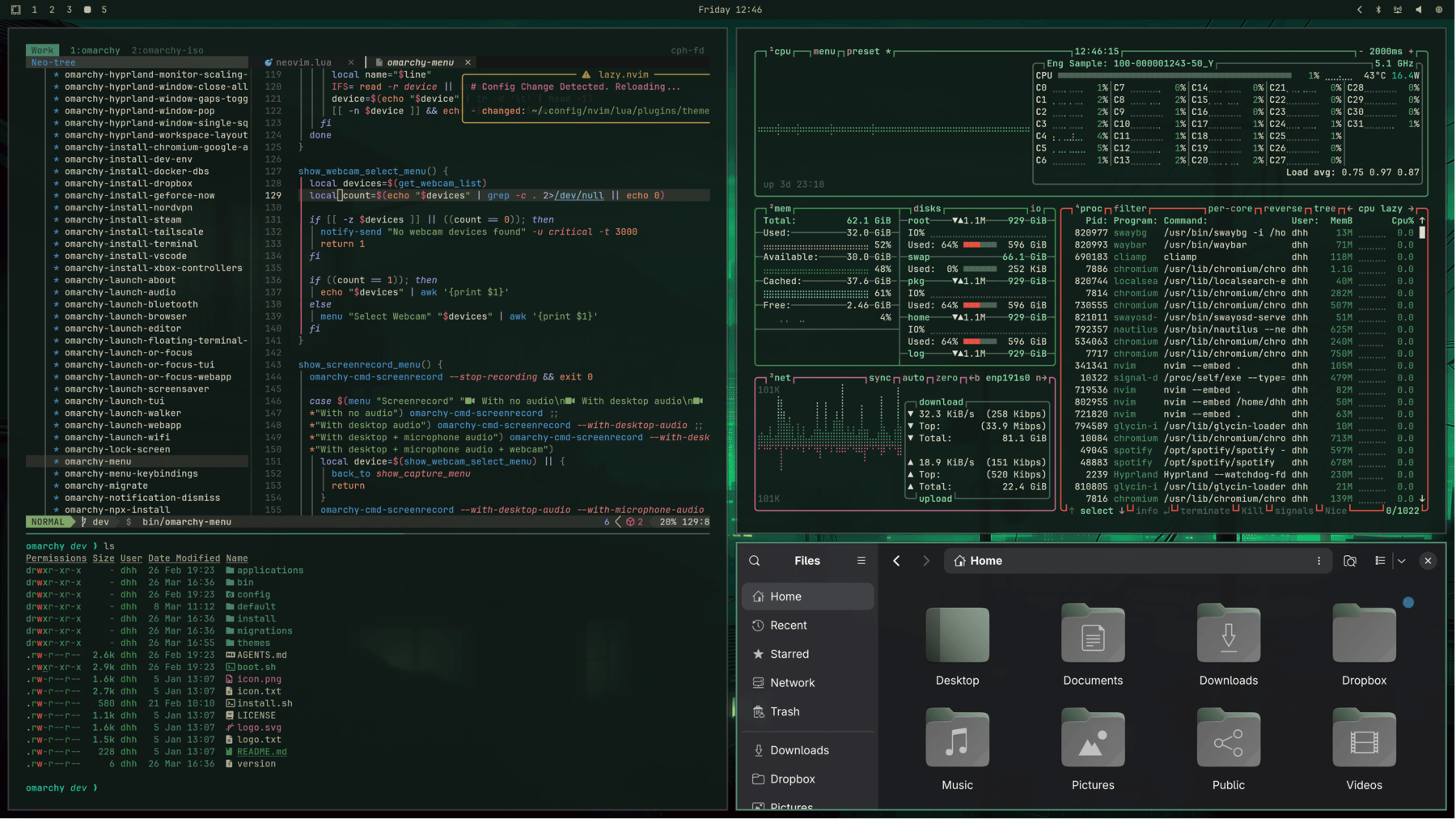 Osaka Jade
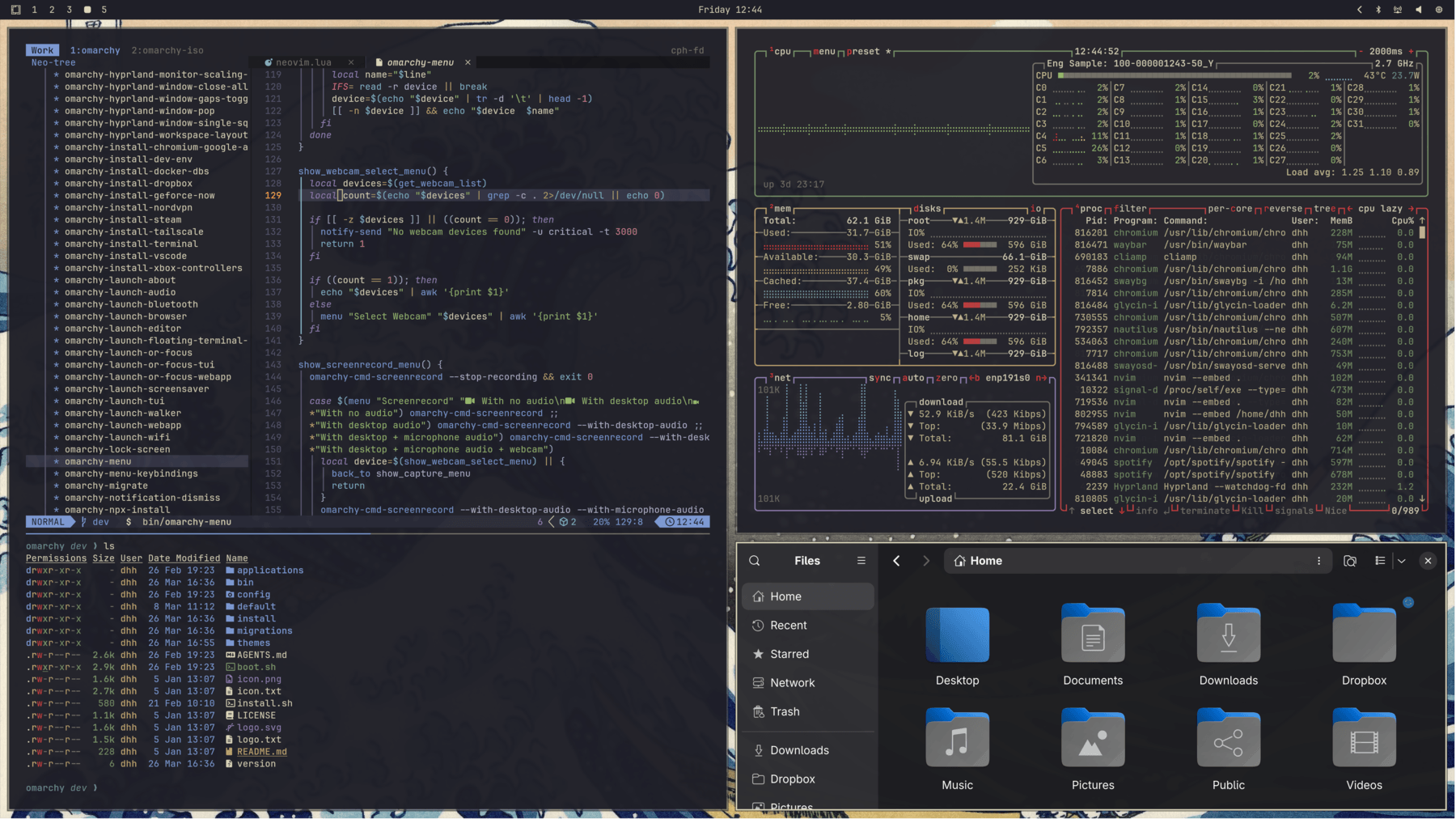 Kanagawa
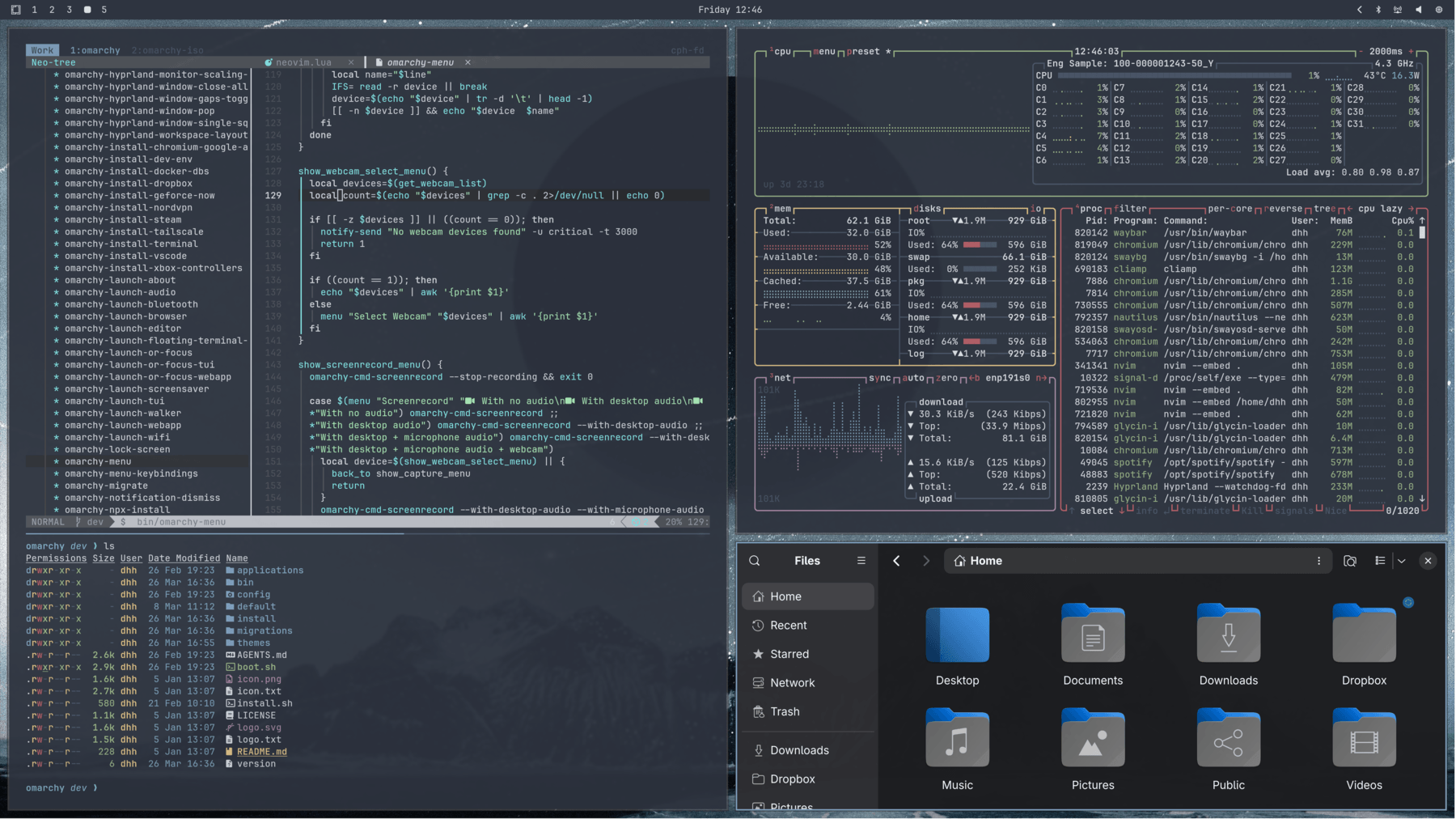 Nord
Nord
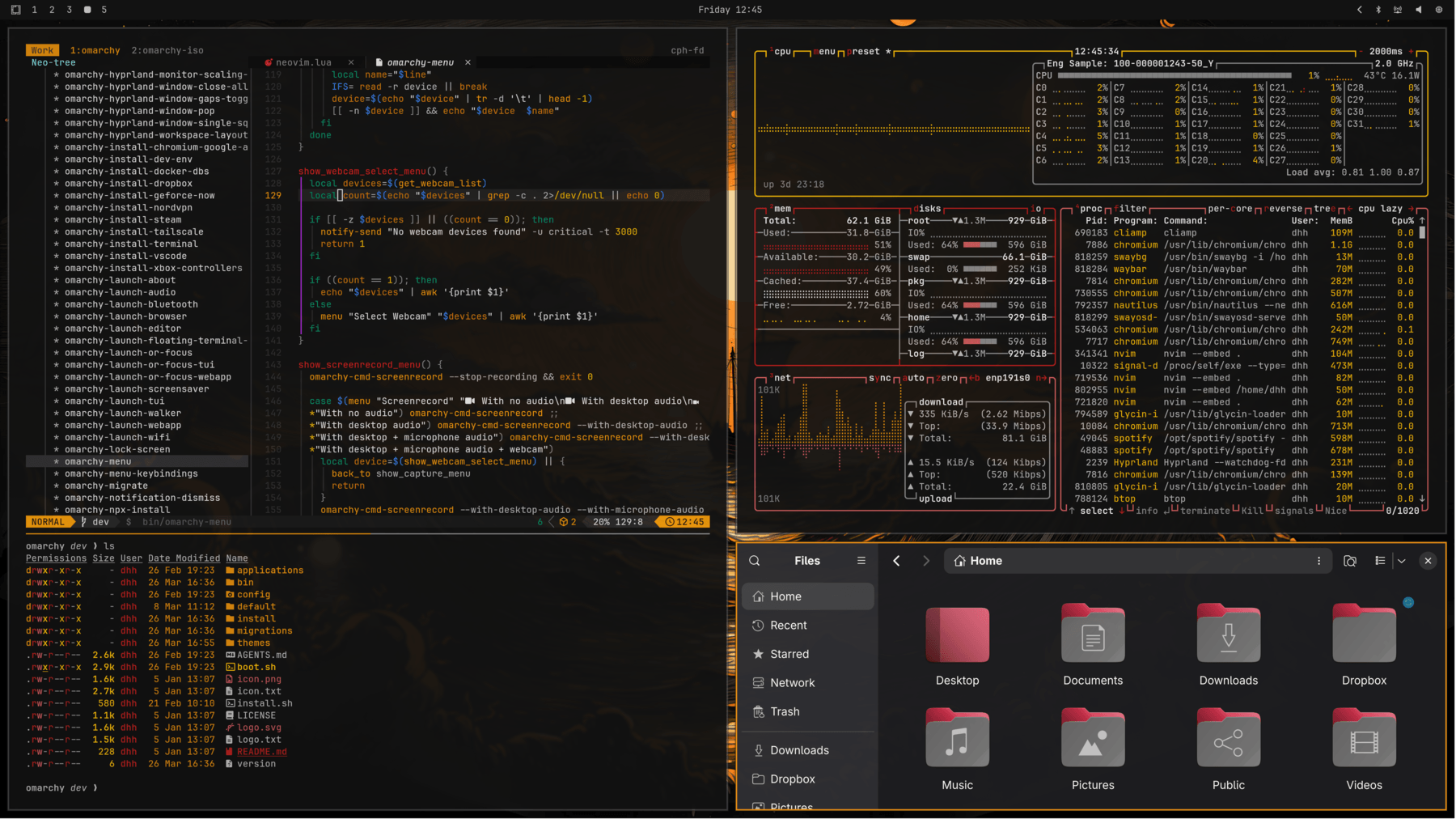 Matte Black
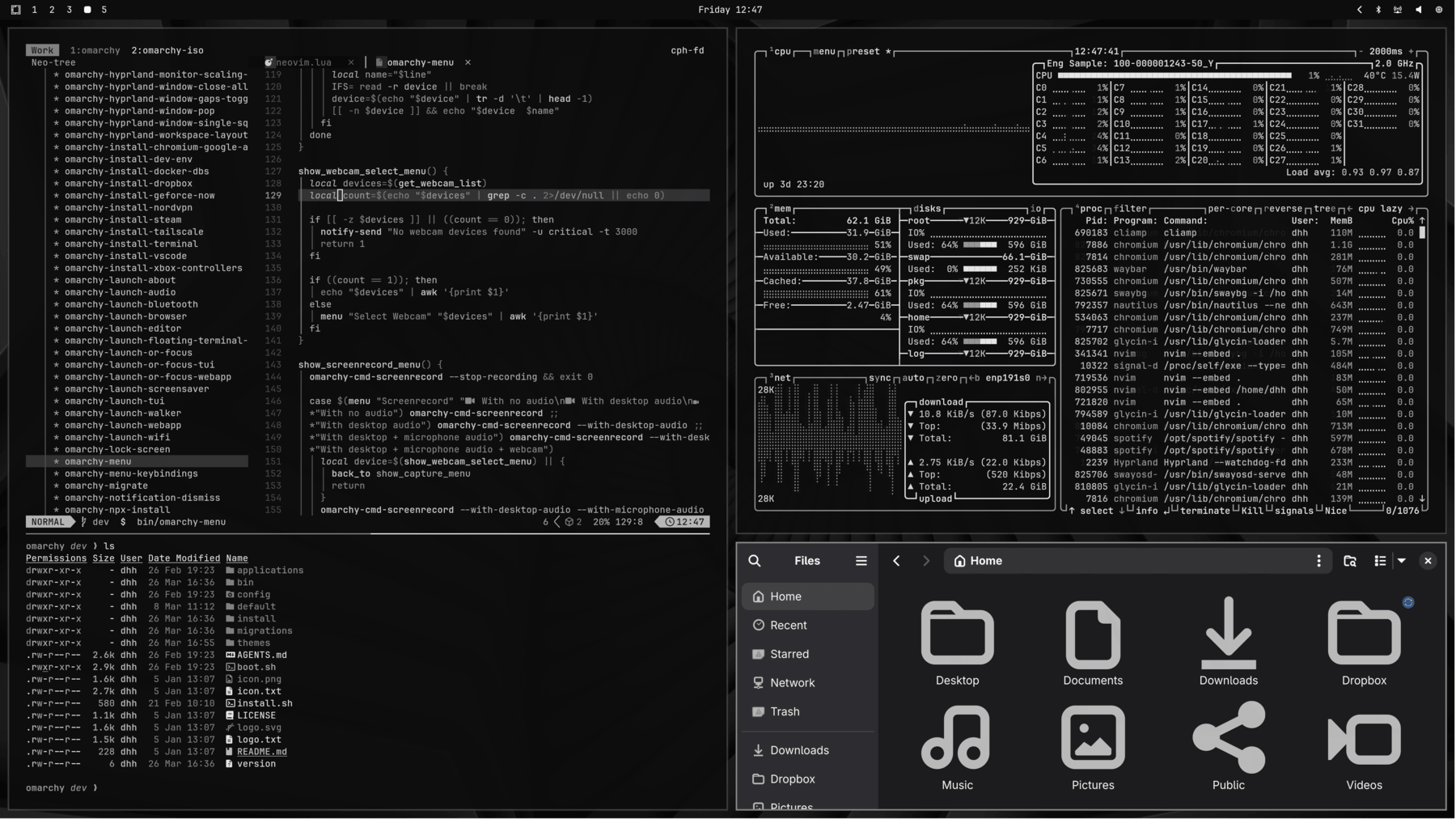 Vantablack
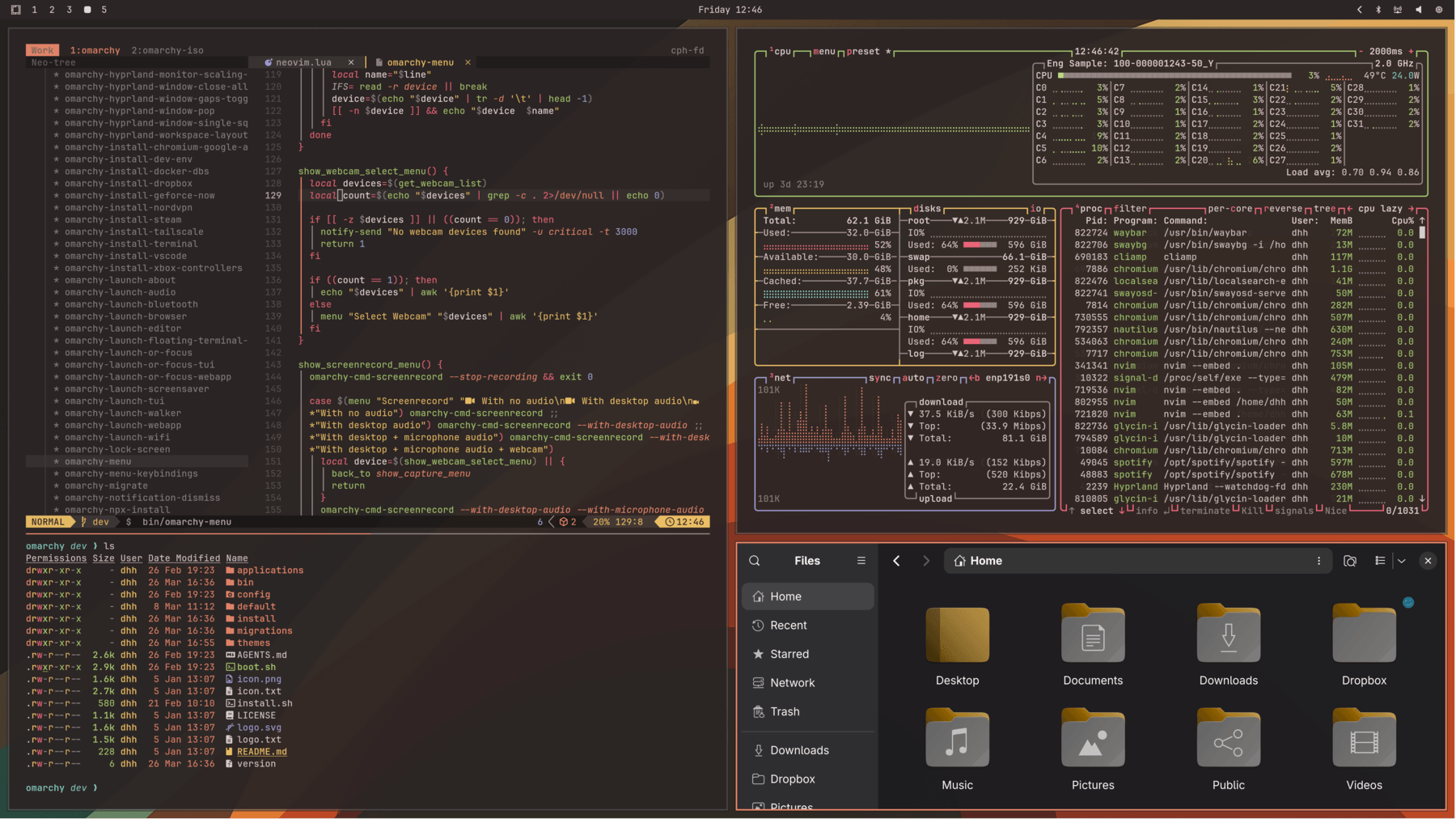 Ristretto
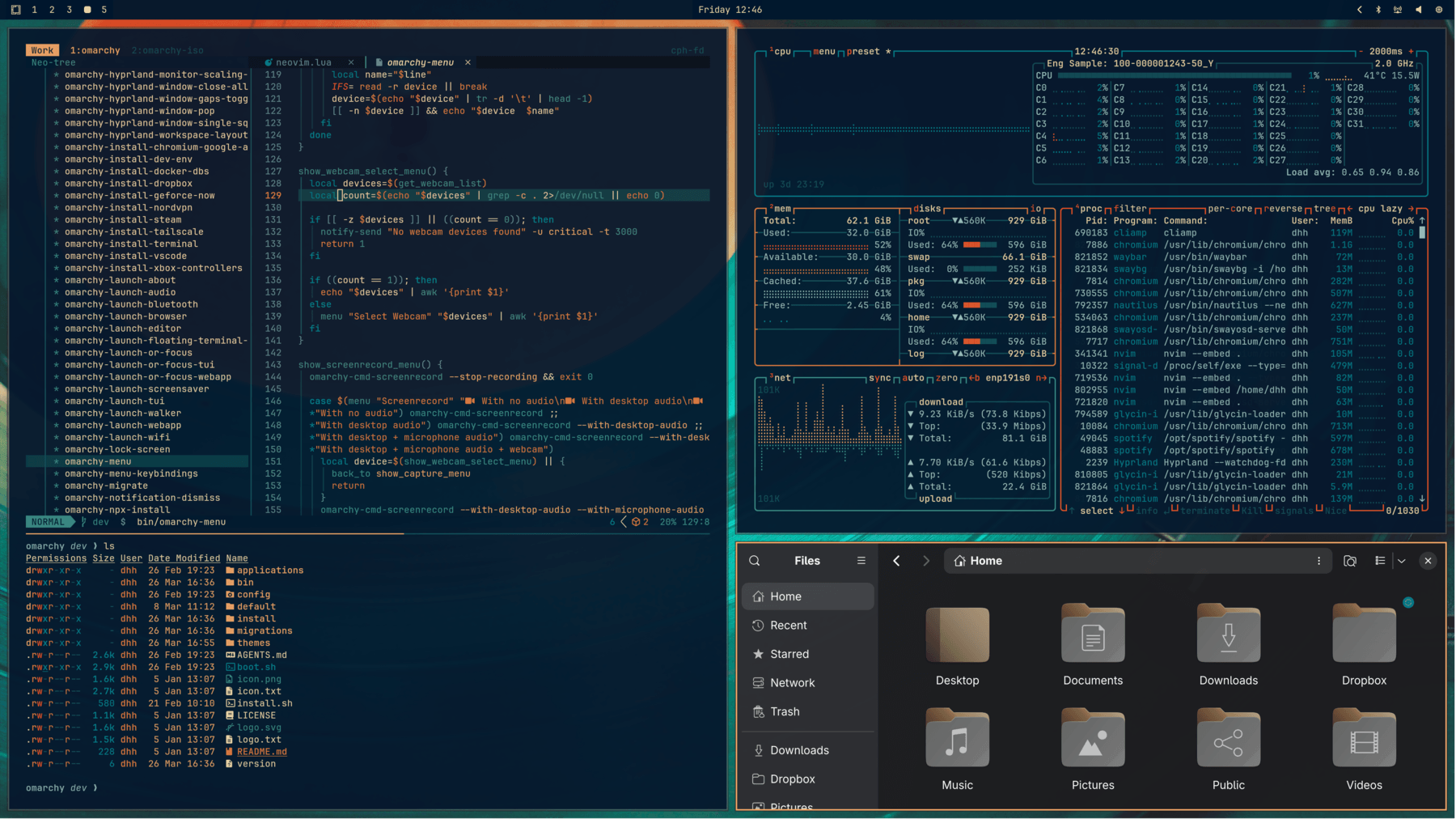 Retro 82
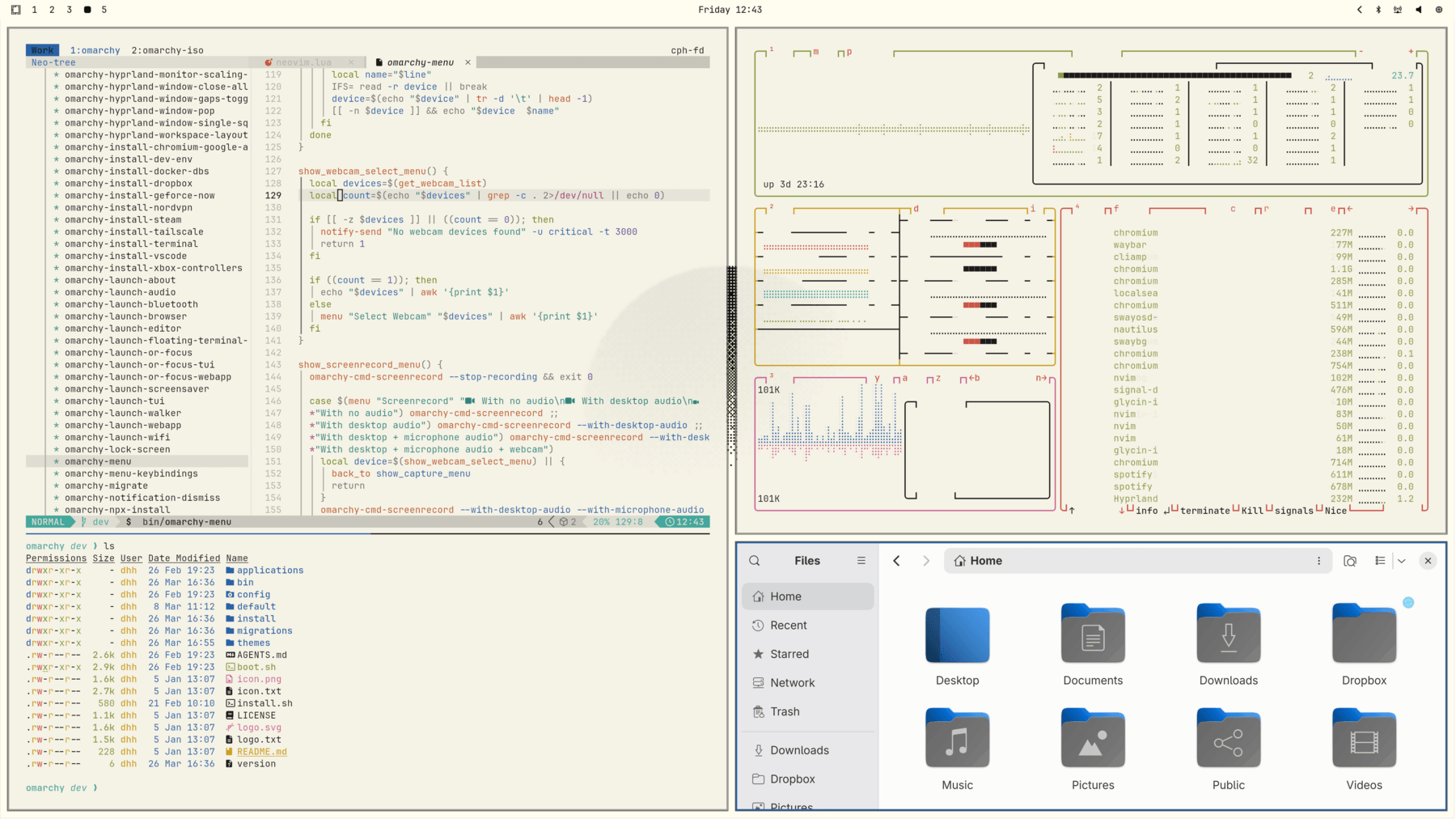 Flexoki Light
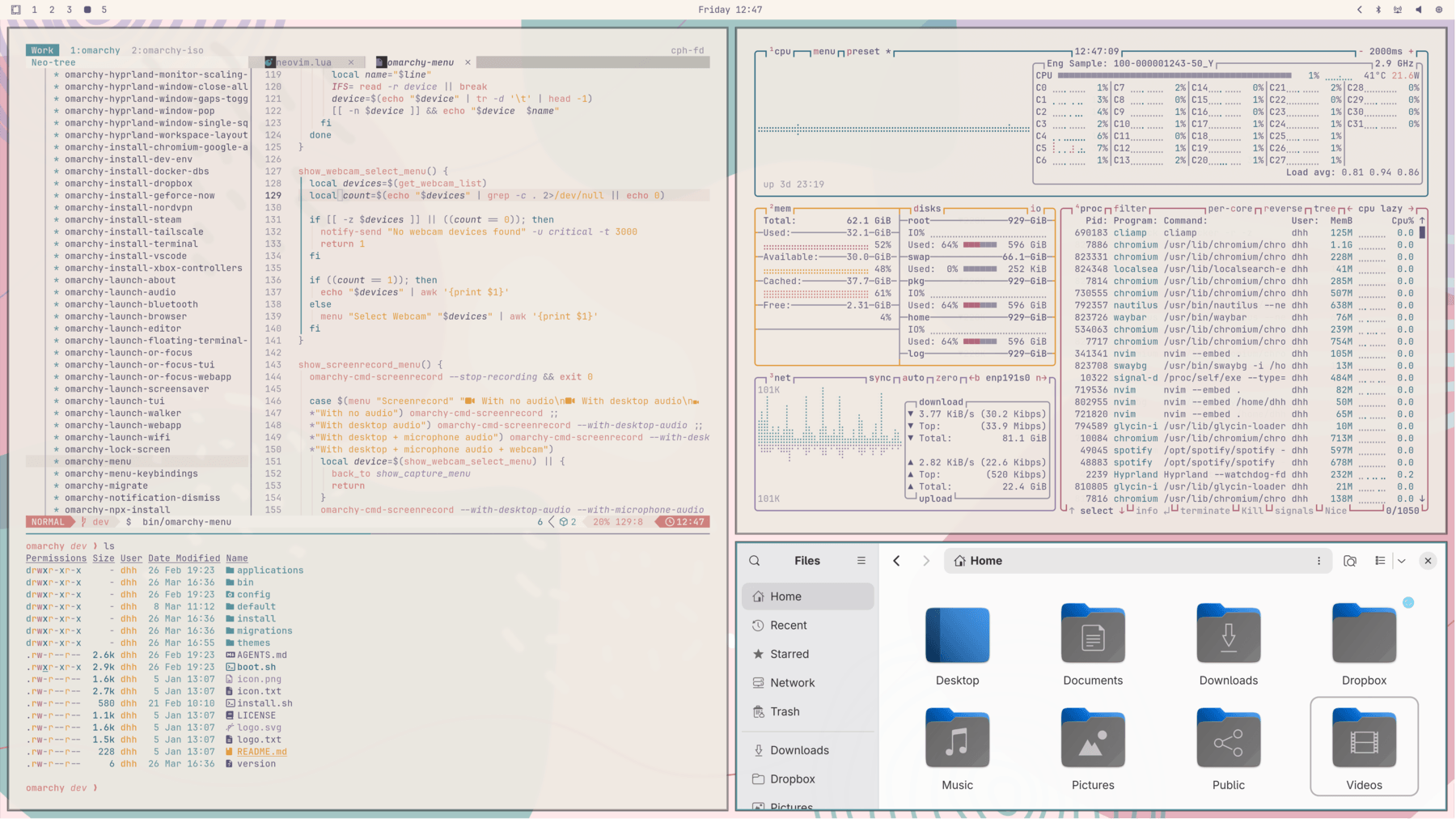 Rose Pine
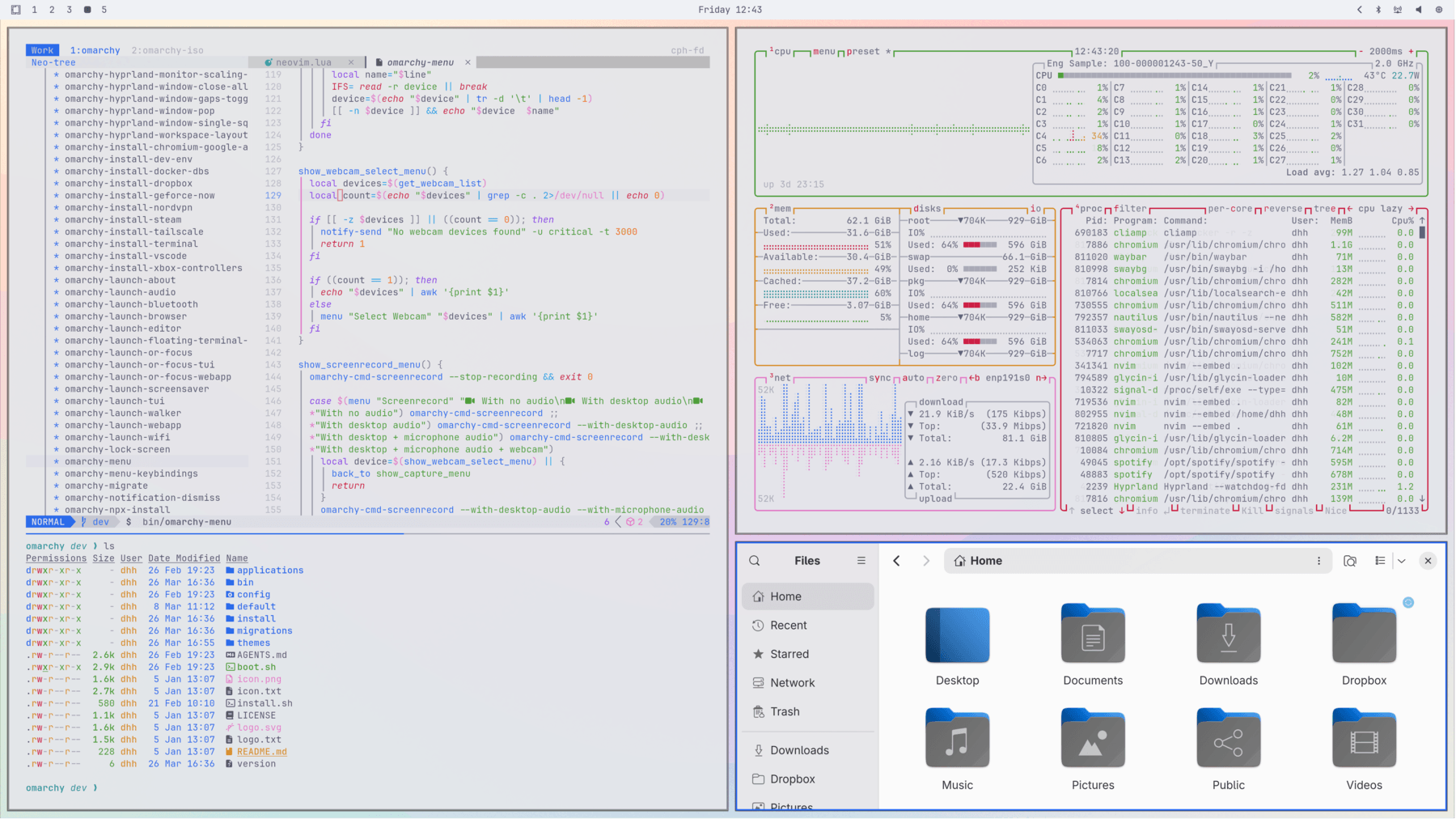 Catppuccin Latte
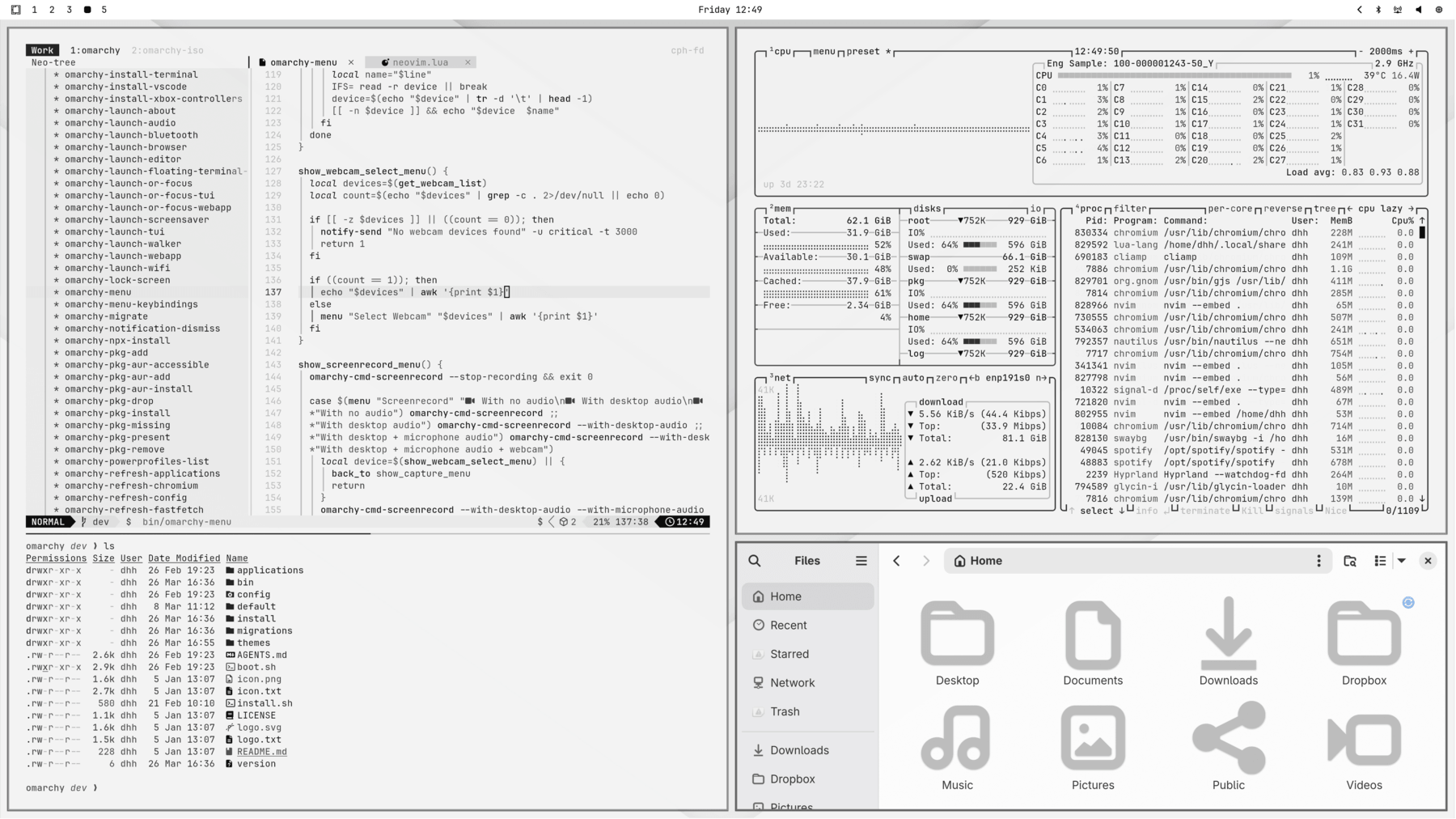 White
White
解锁画面
部分主题还有自定义的解锁(unlock)设计,用于开机解密过程。可在 Style > Unlock 下挑选,效果如下:
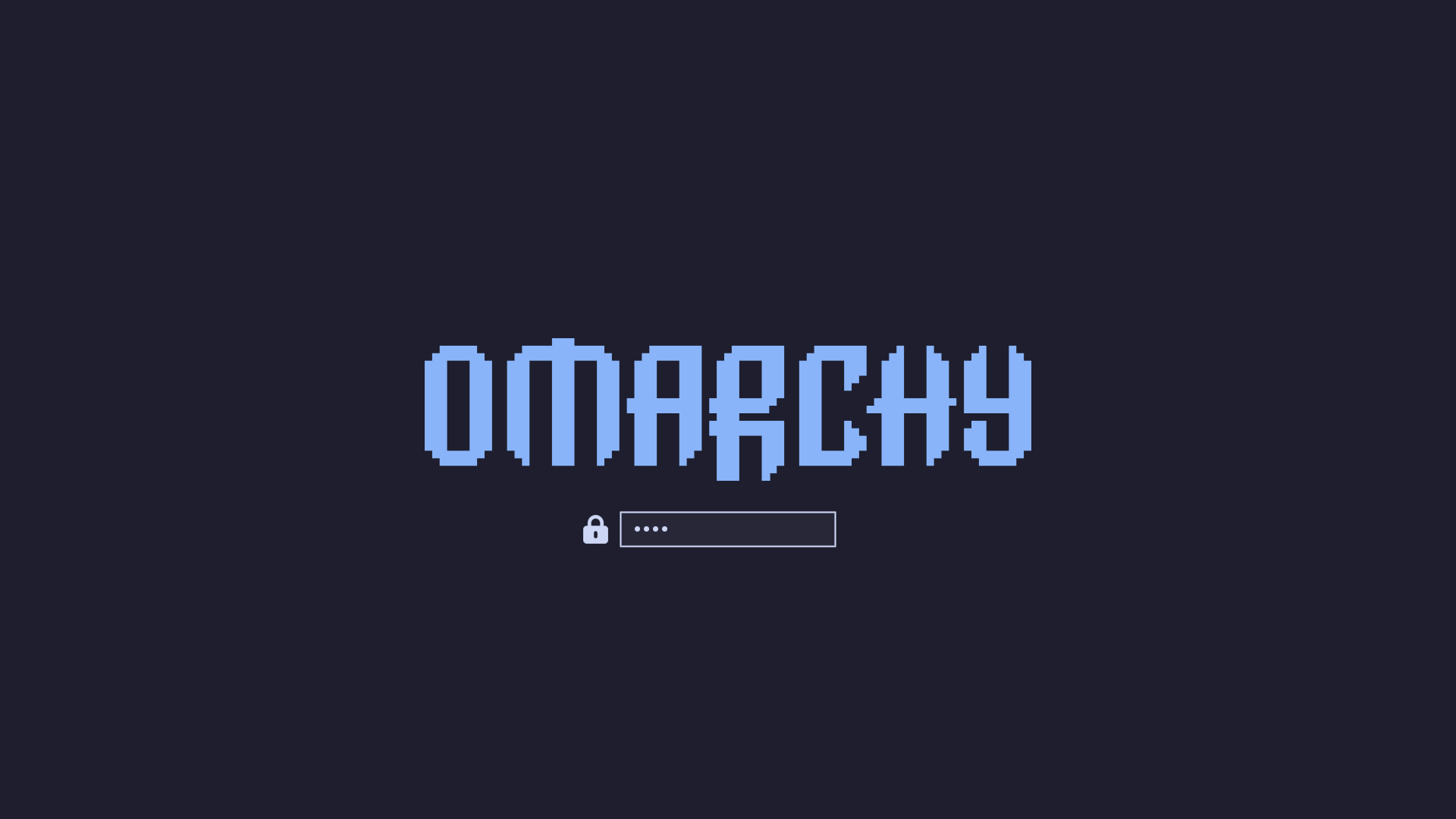 Catppuccin
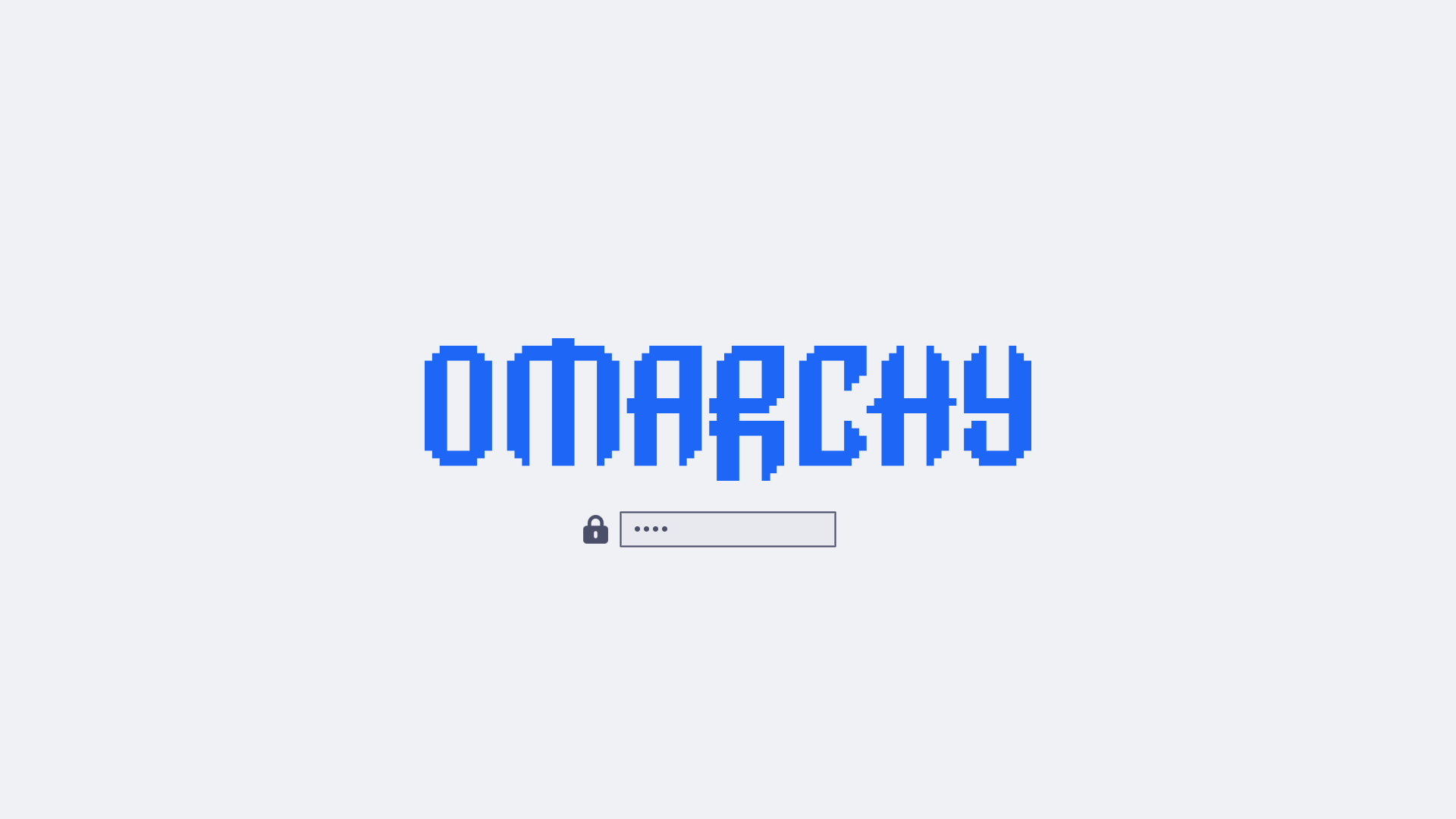 Catppuccin Latte
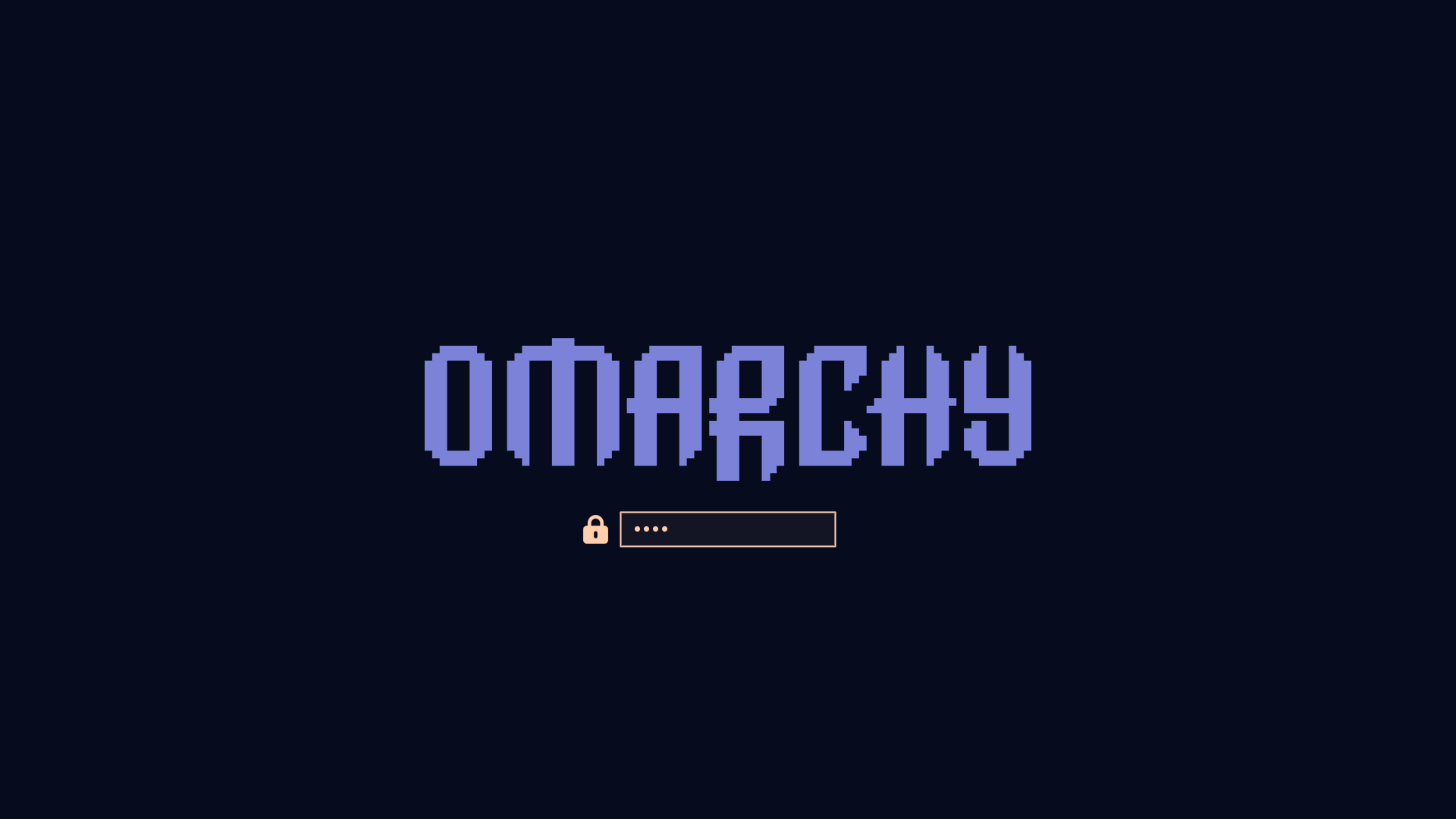 Ethereal
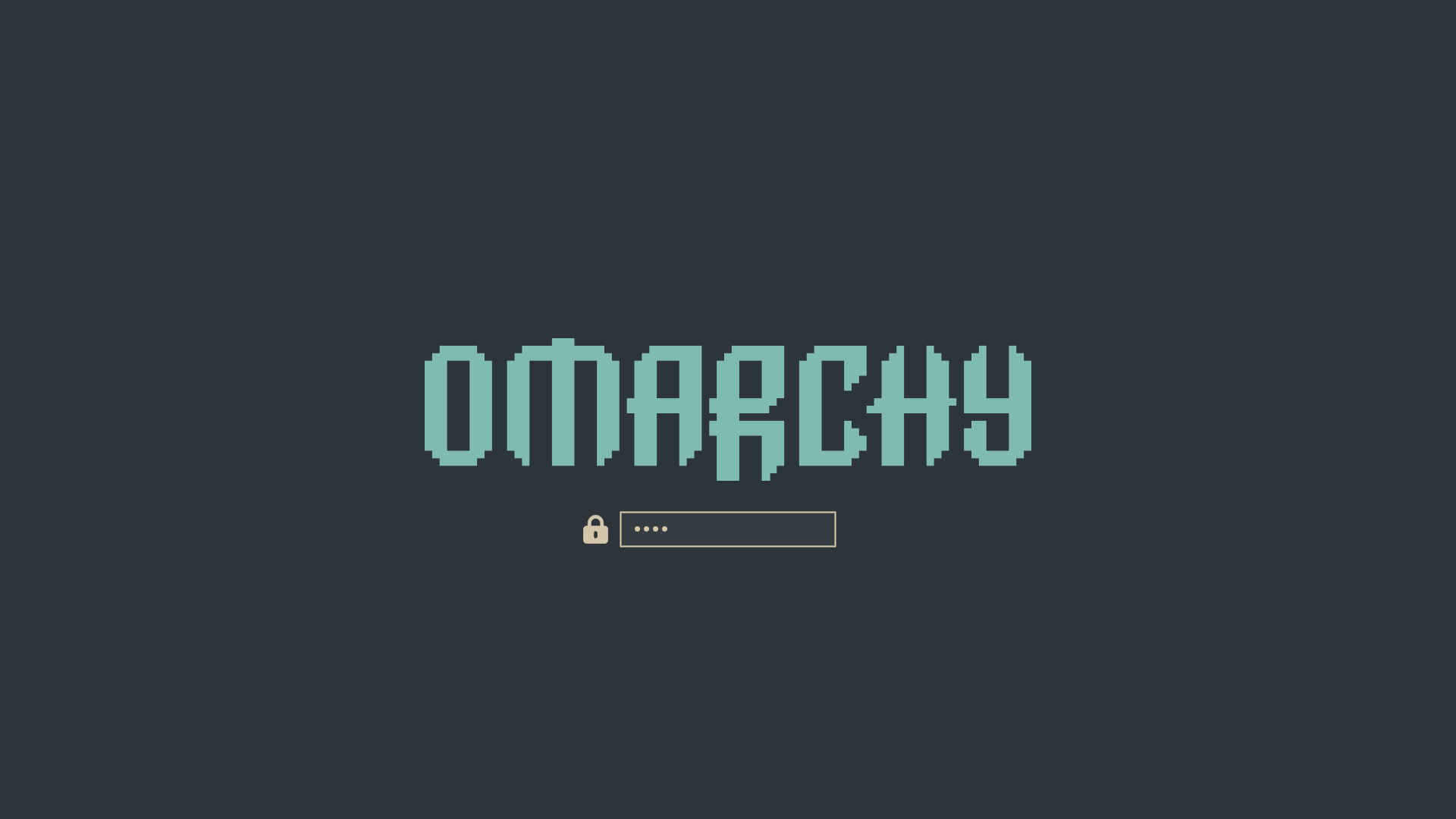 Everforest
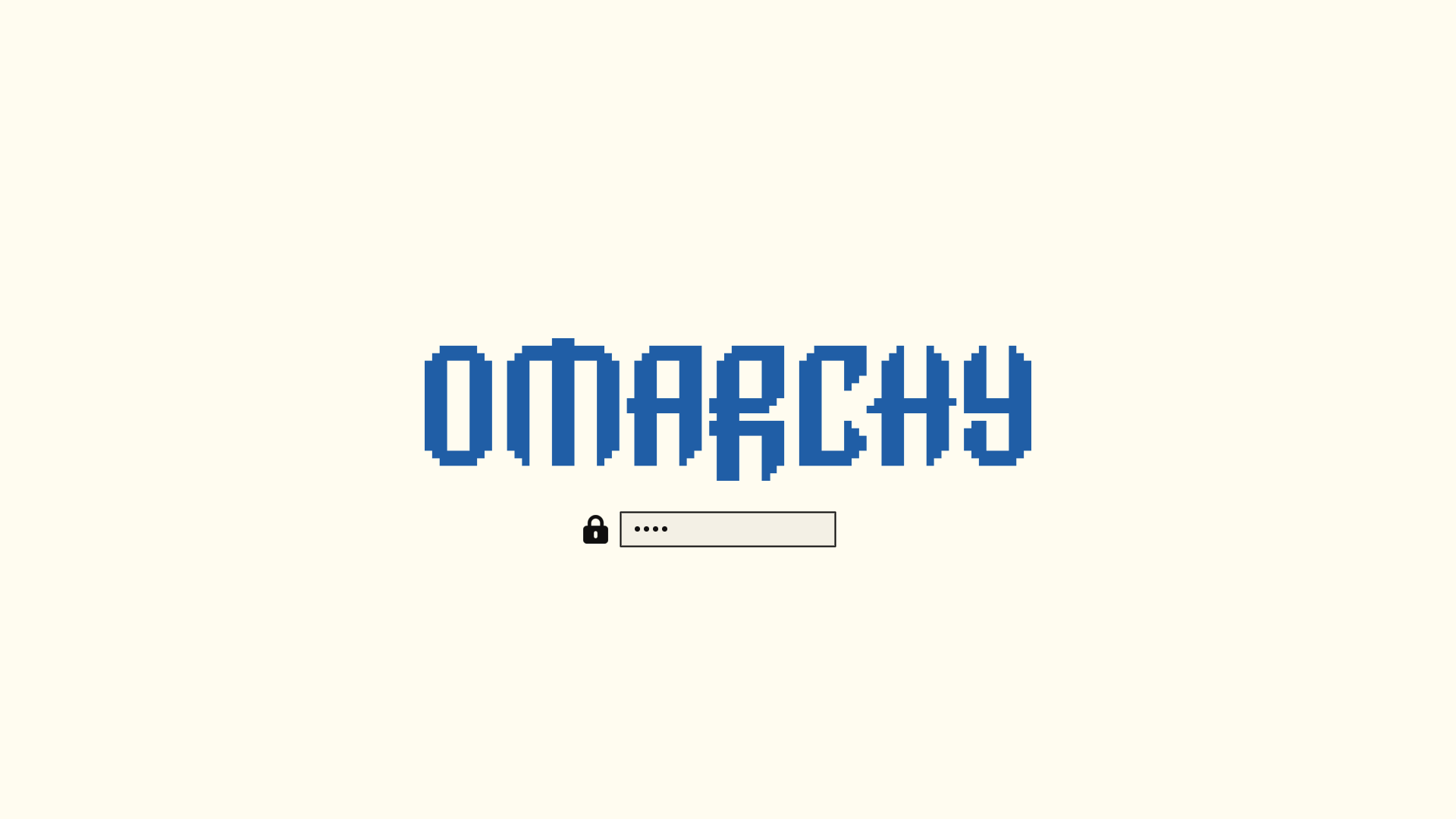 Flexoki Light
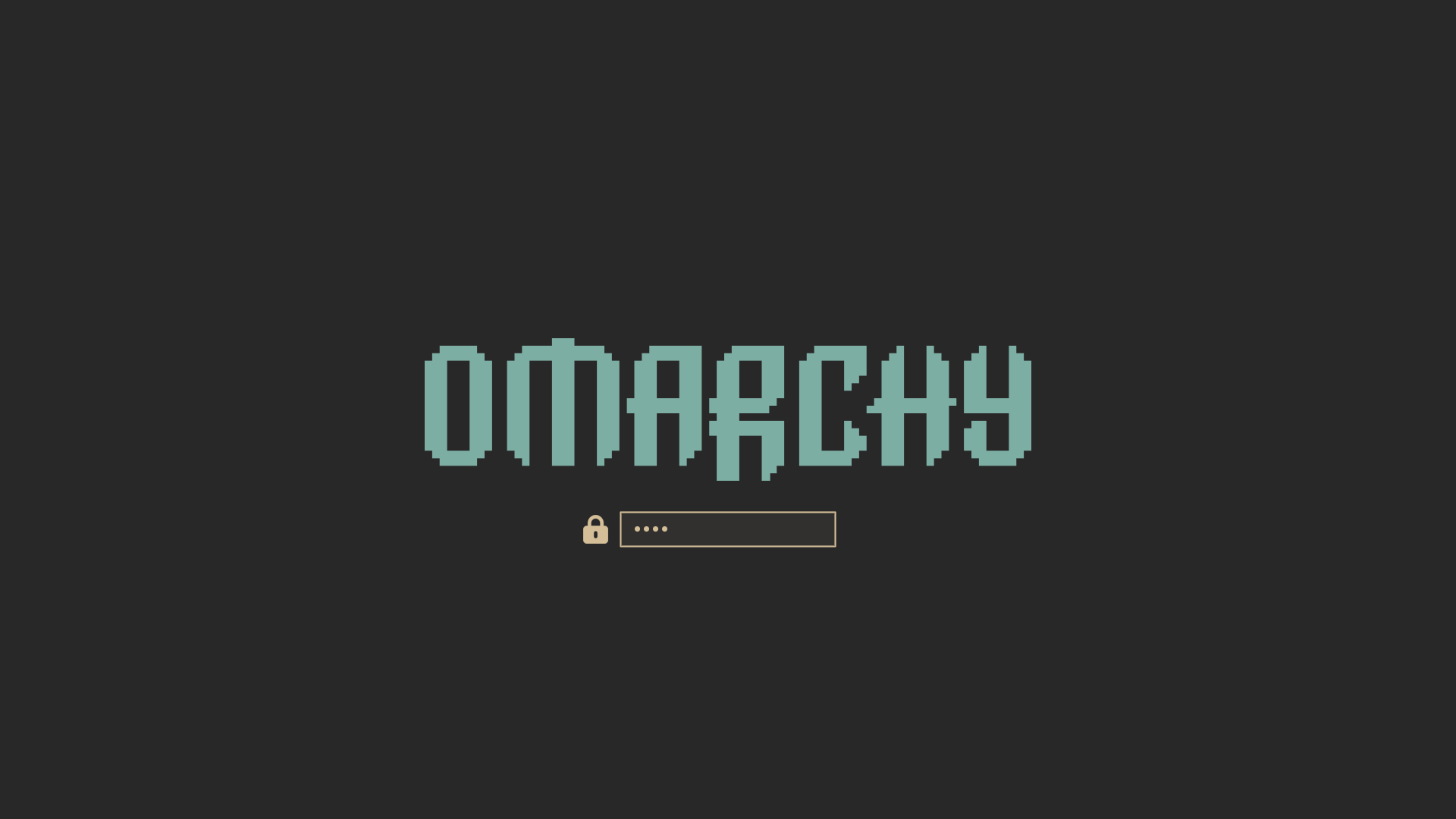 Gruvbox
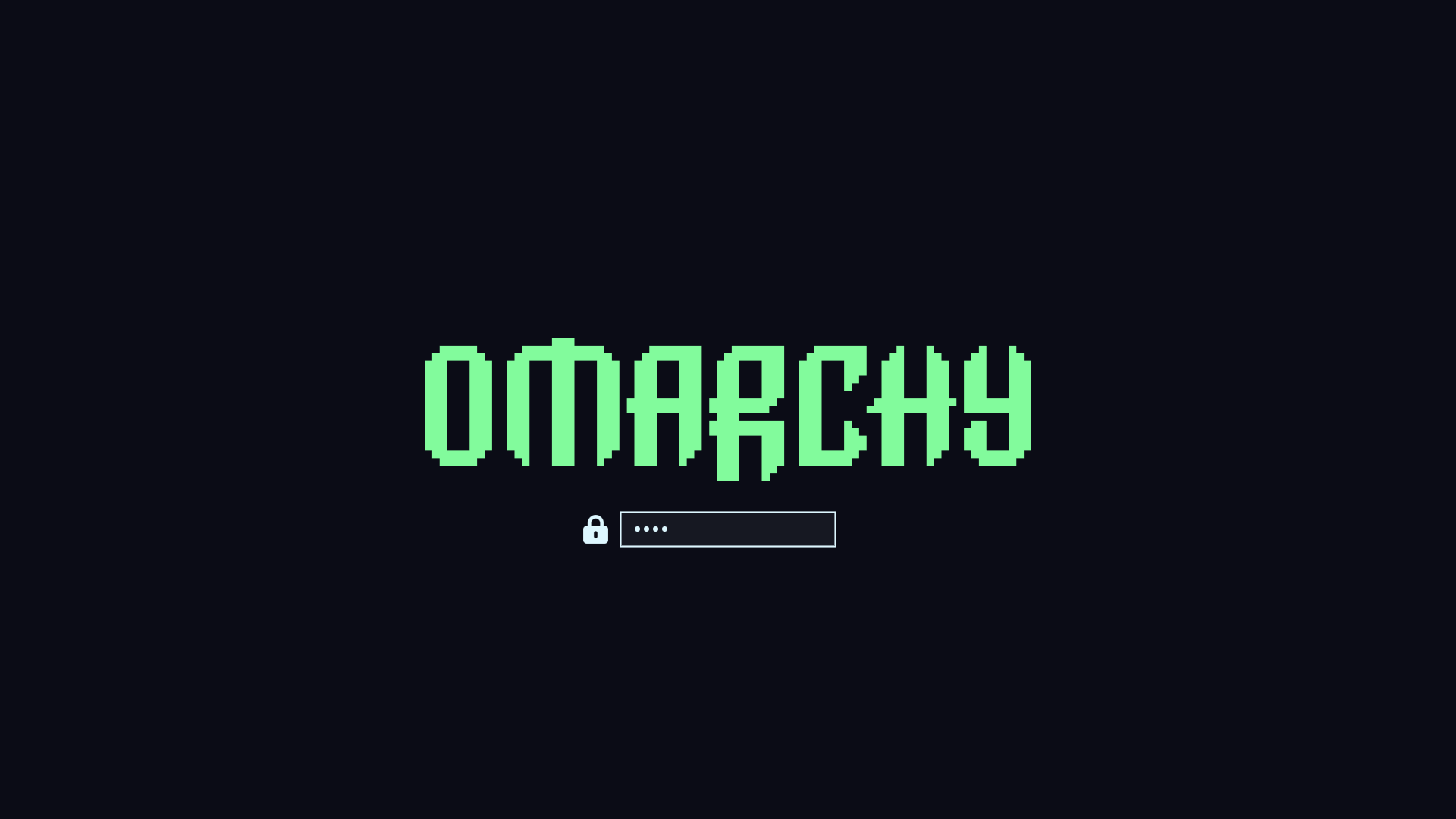 Hackerman
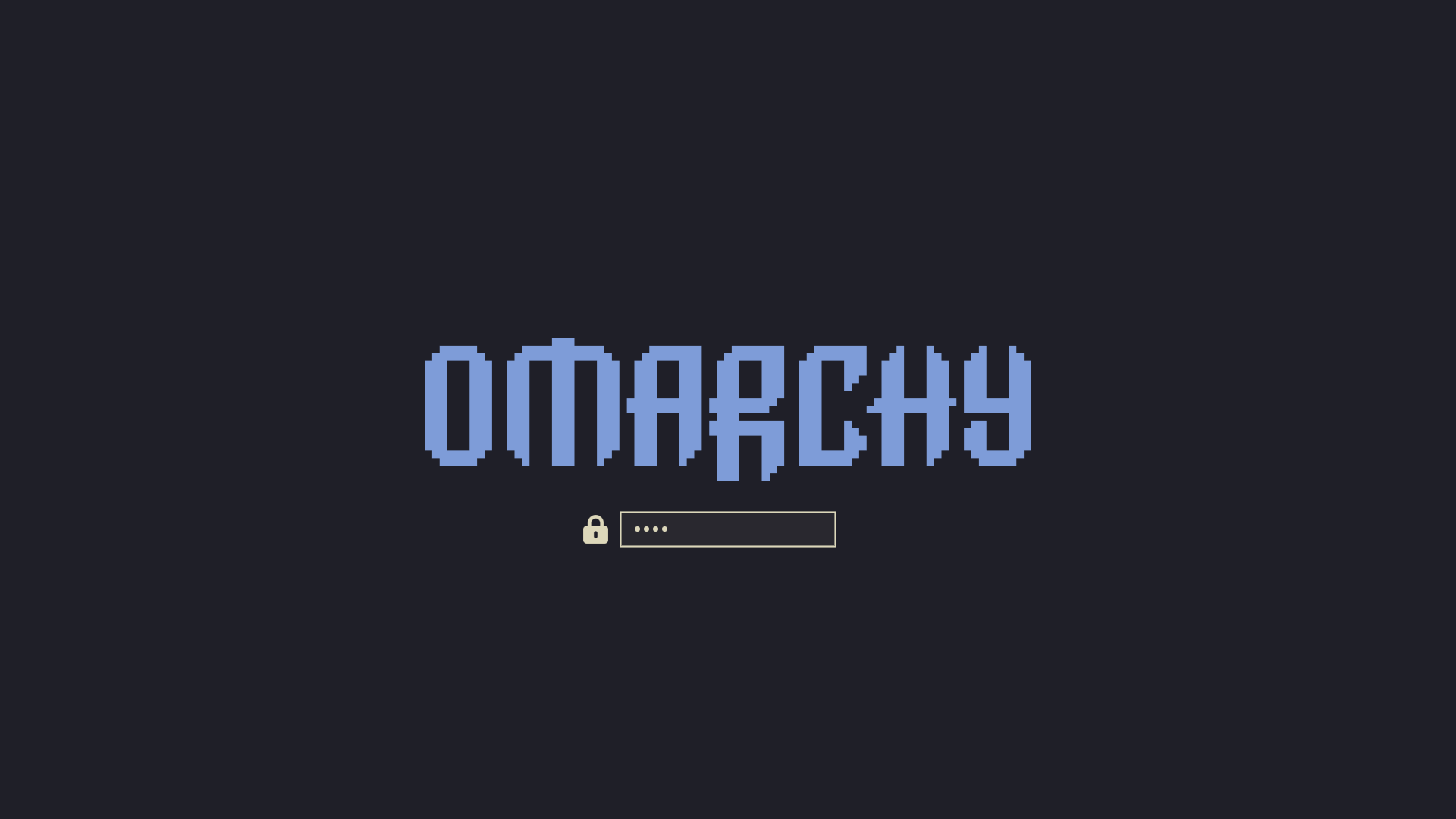 Kanagawa
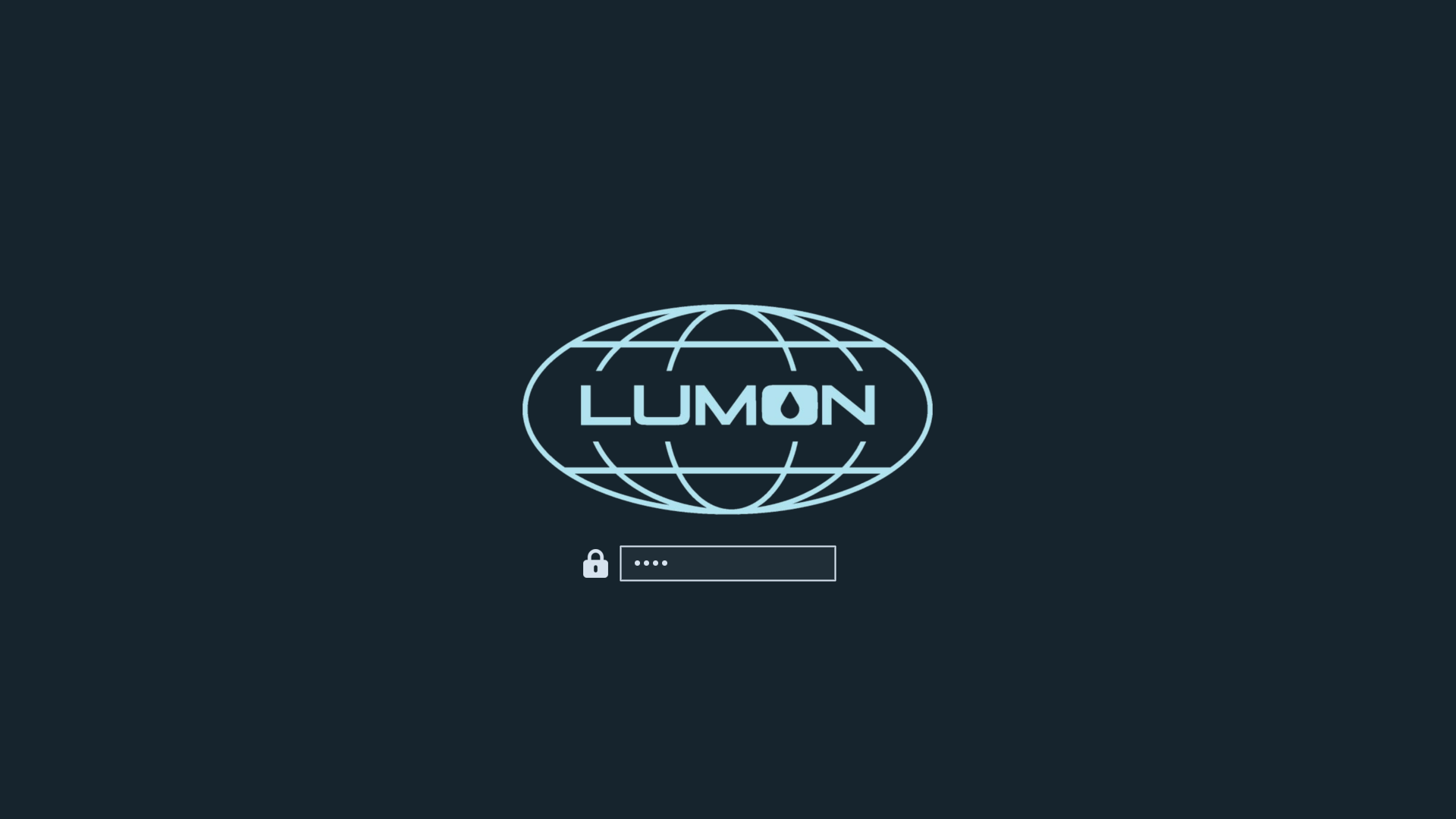 Lumon
Lumon
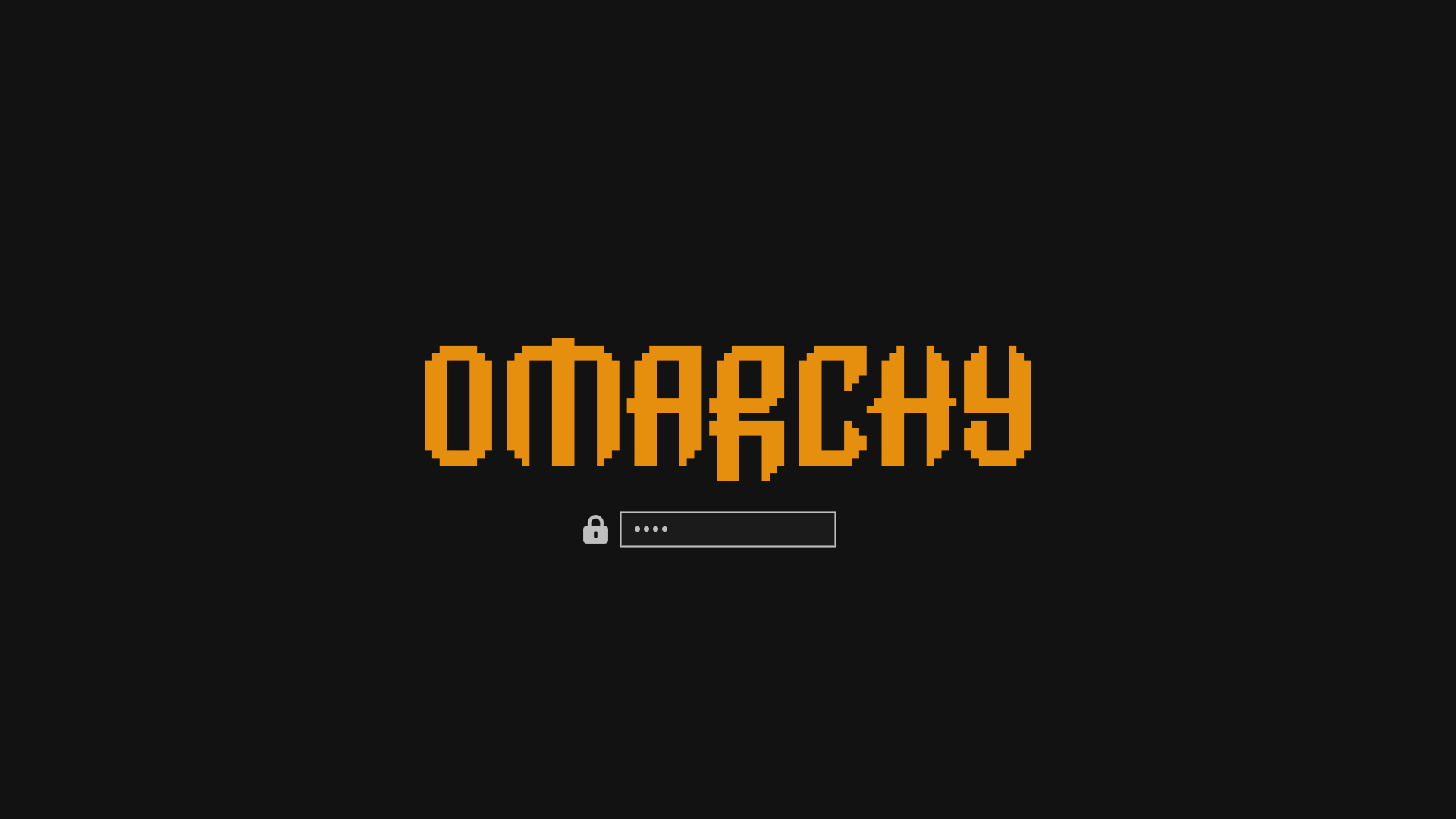 Matte Black
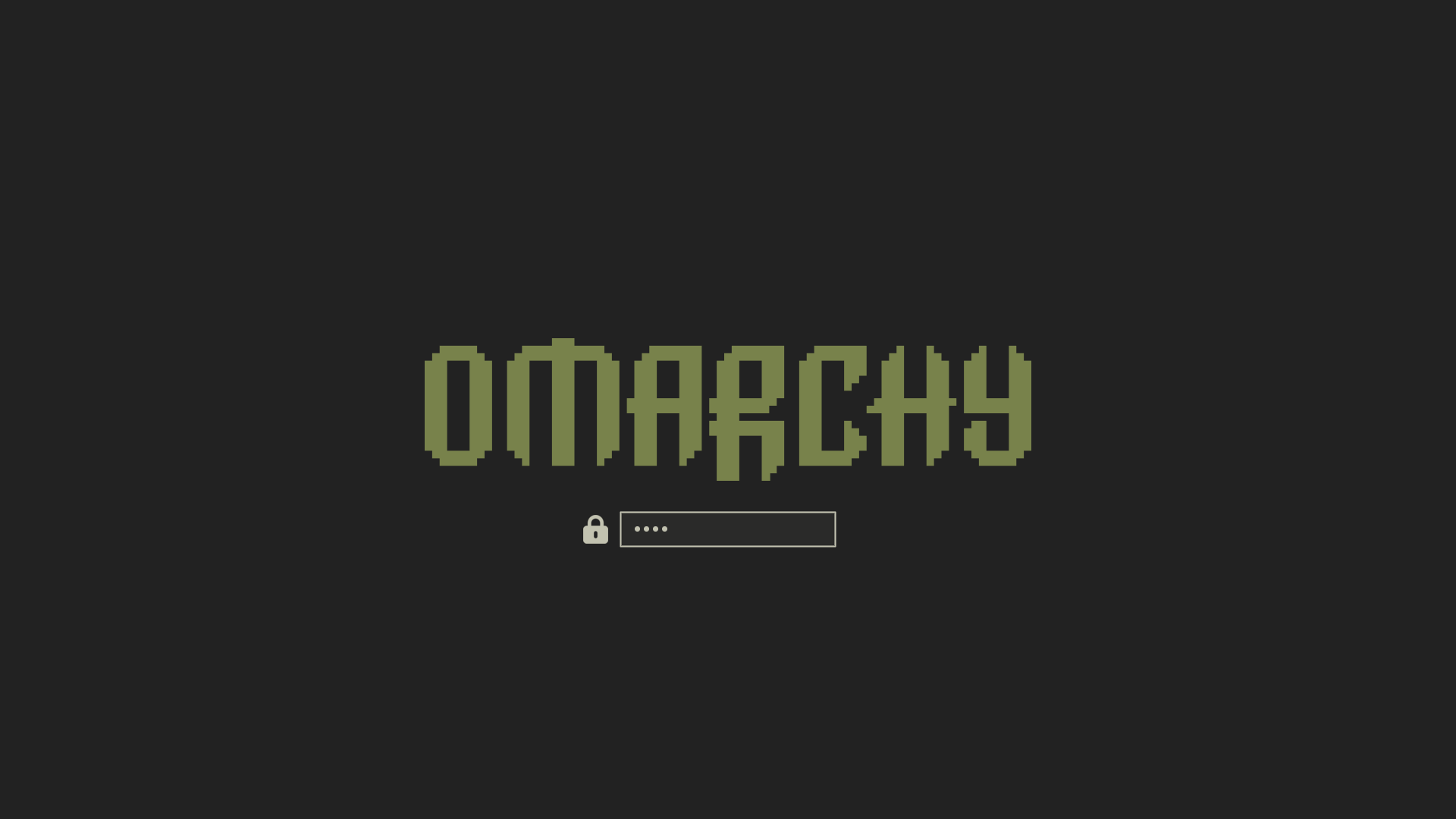 Miasma
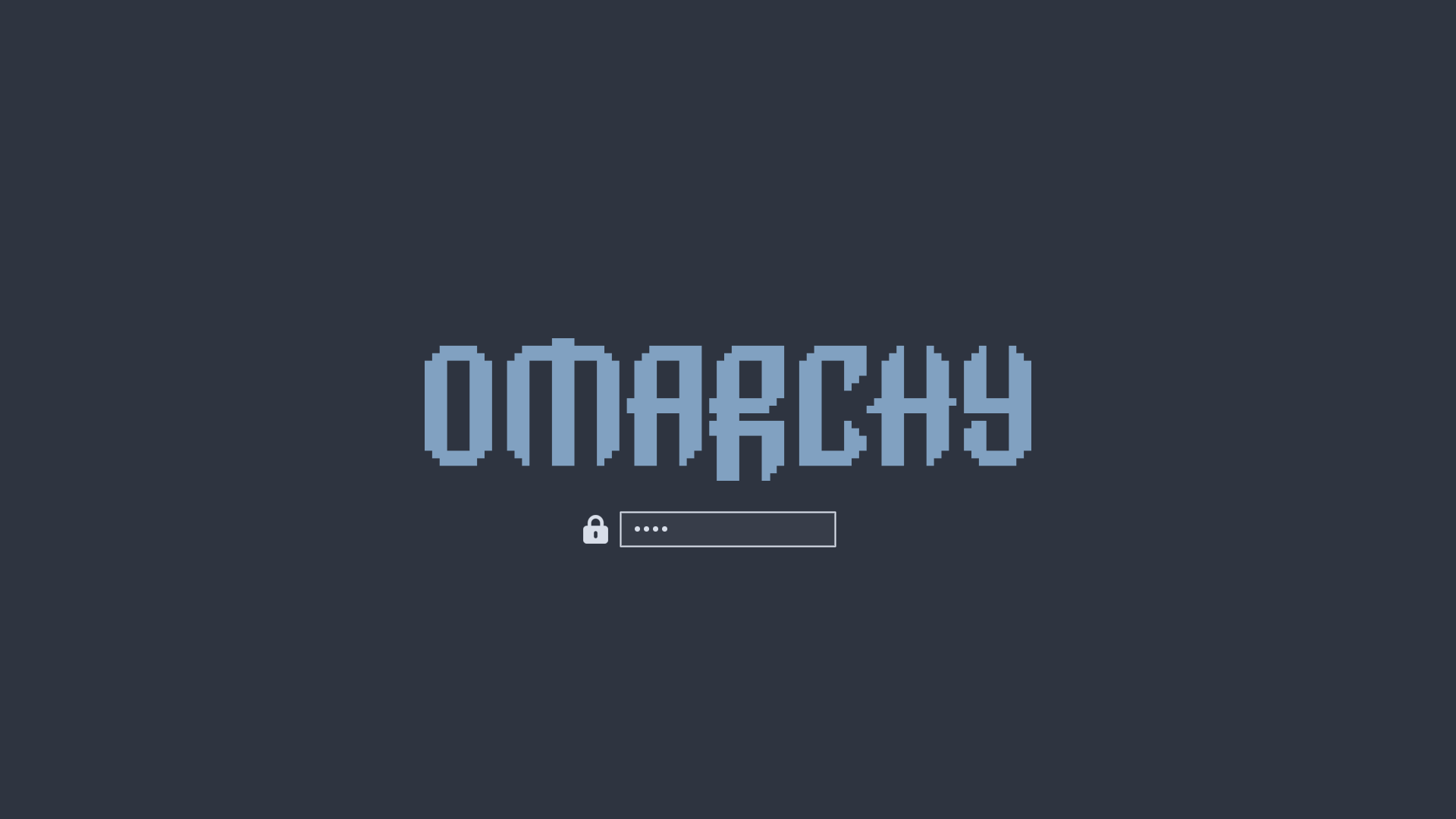 Nord
Nord
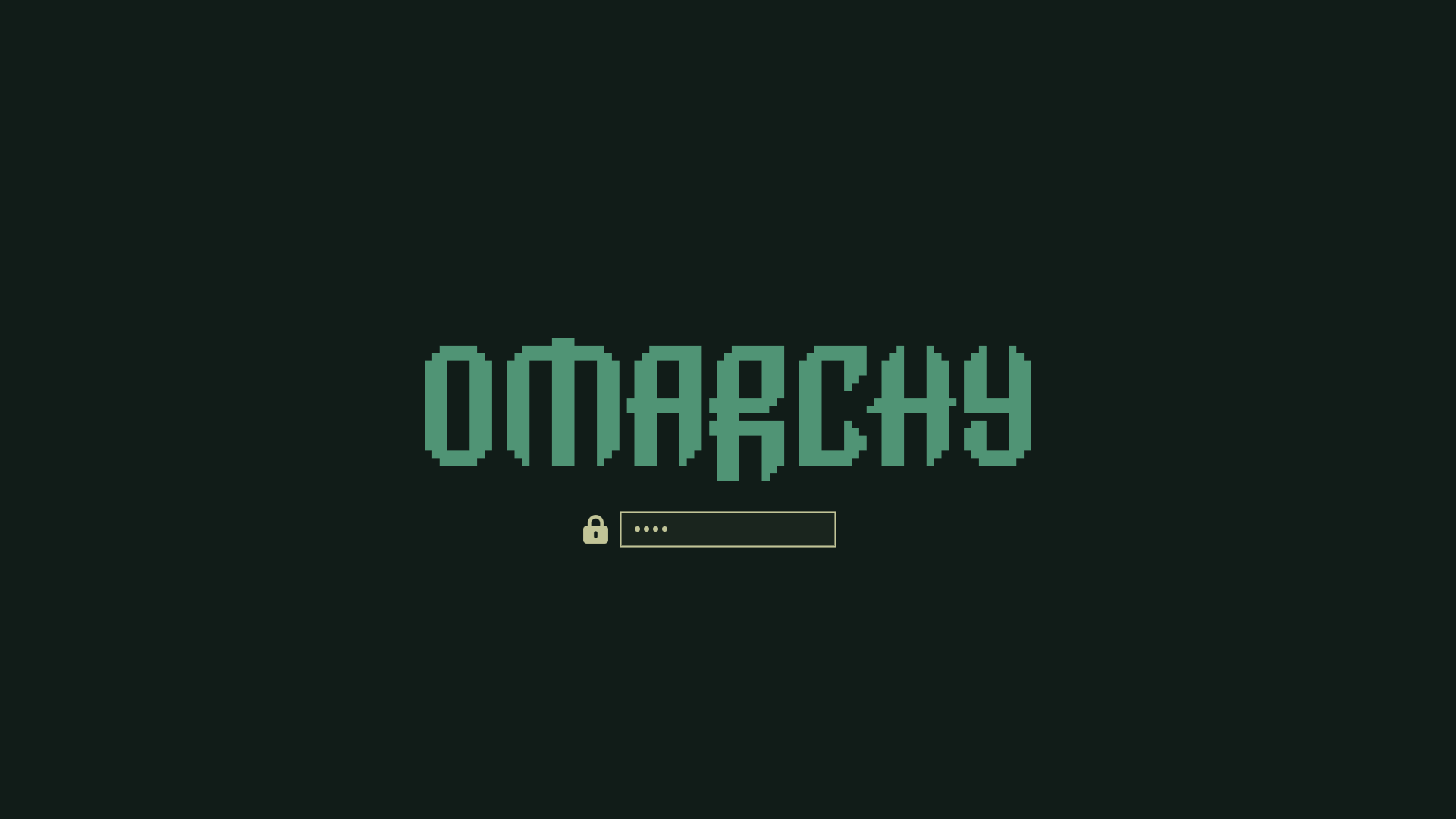 Osaka Jade
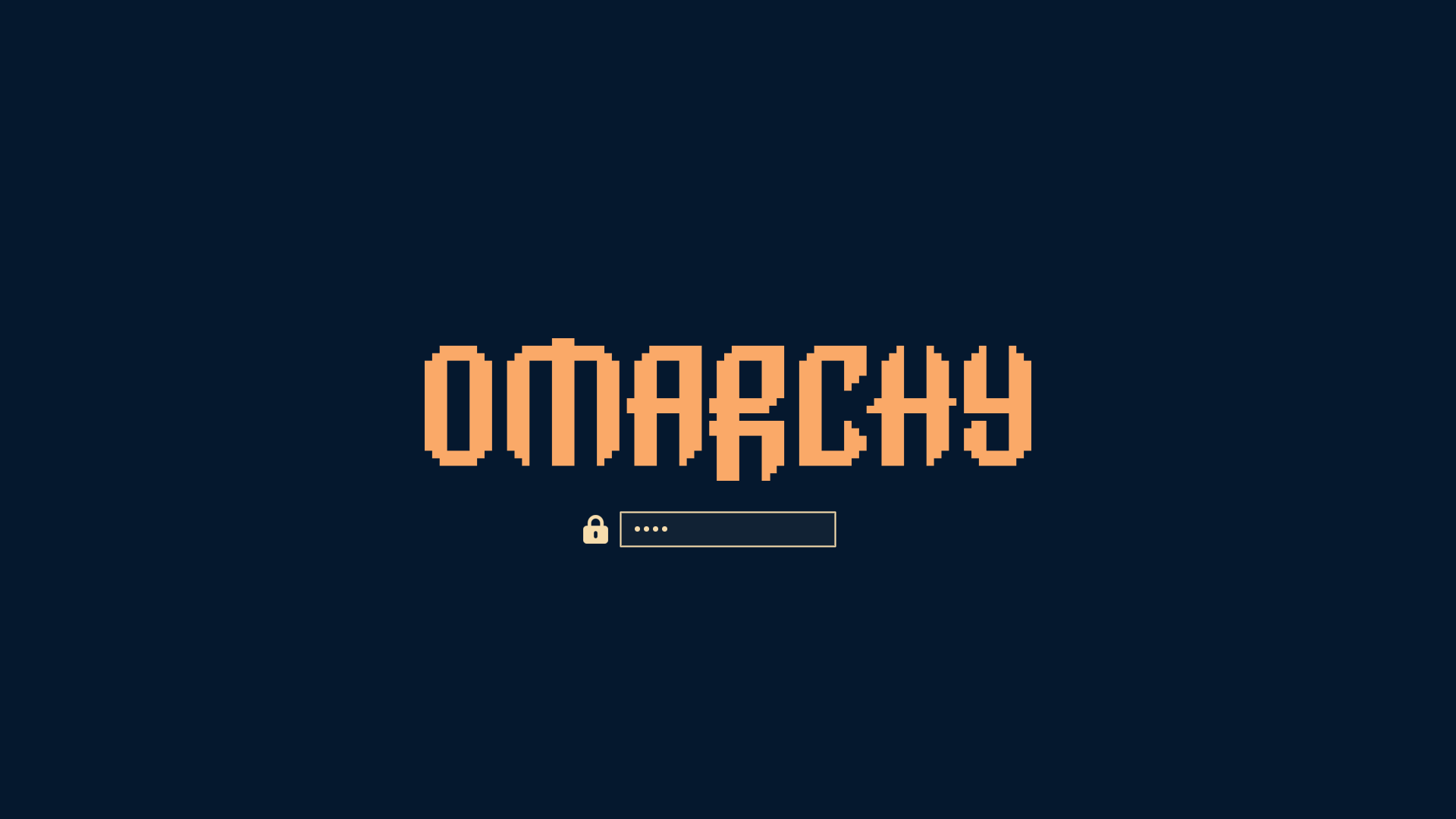 Retro 82
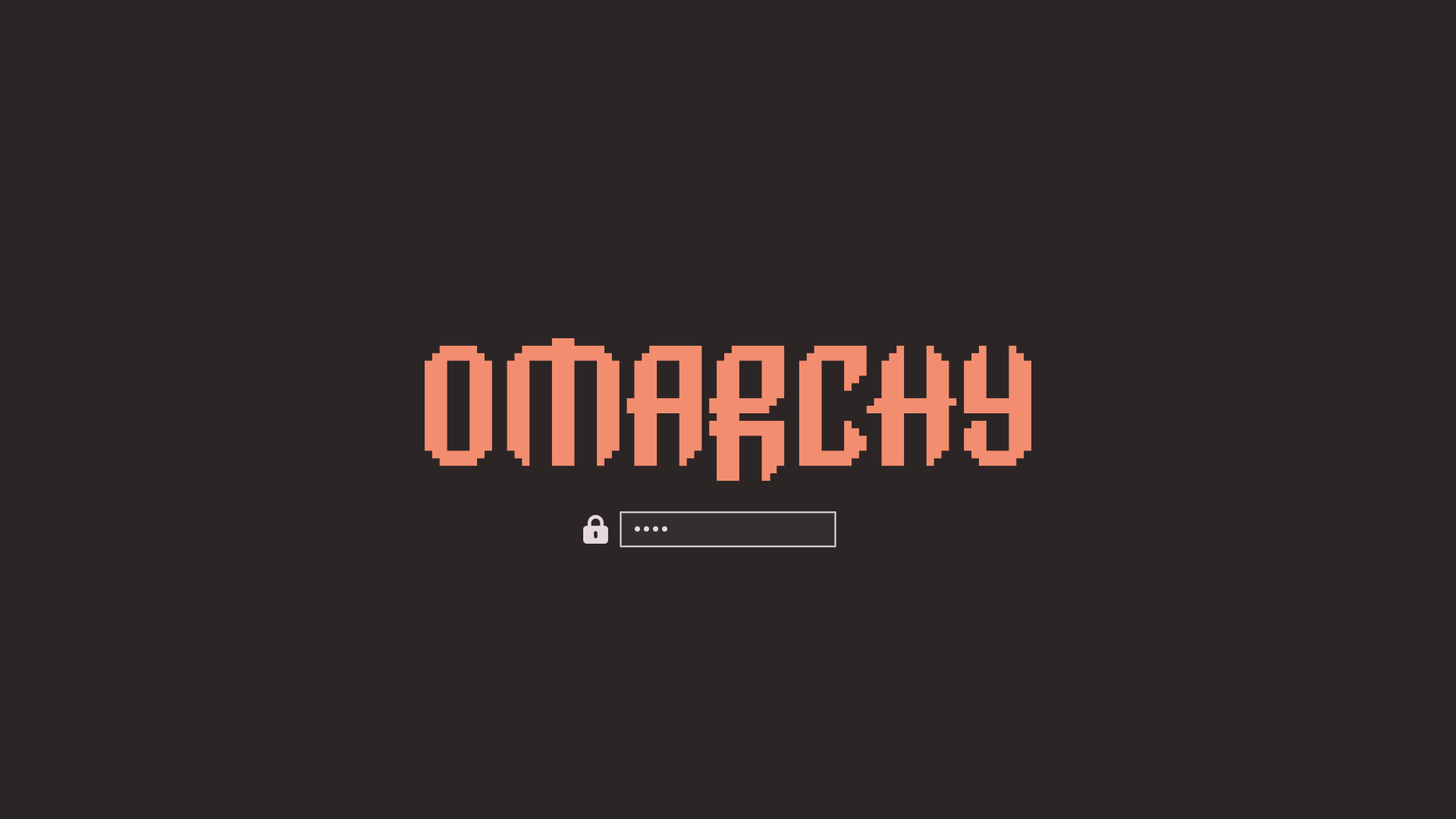 Ristretto
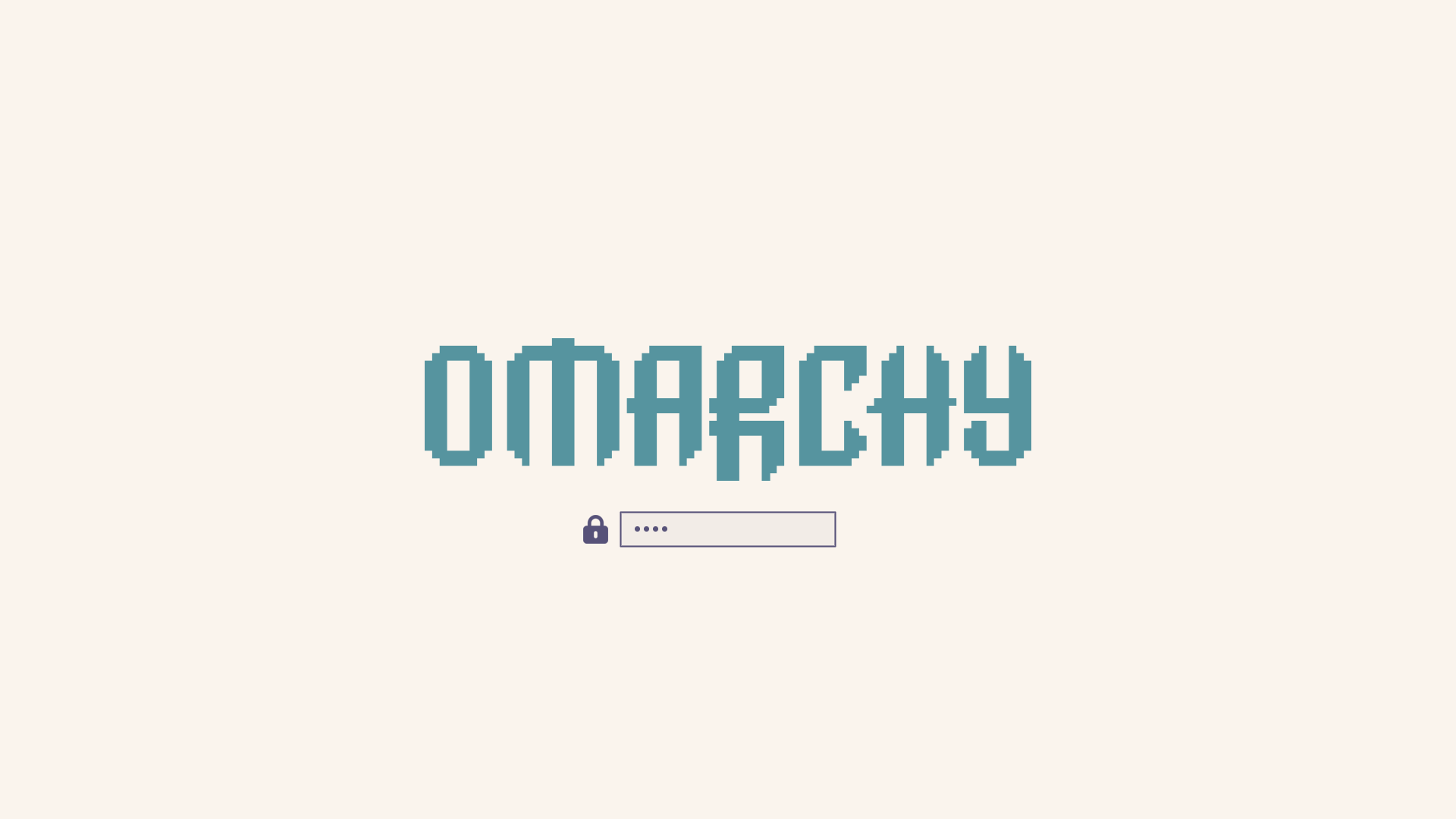 Rose Pine
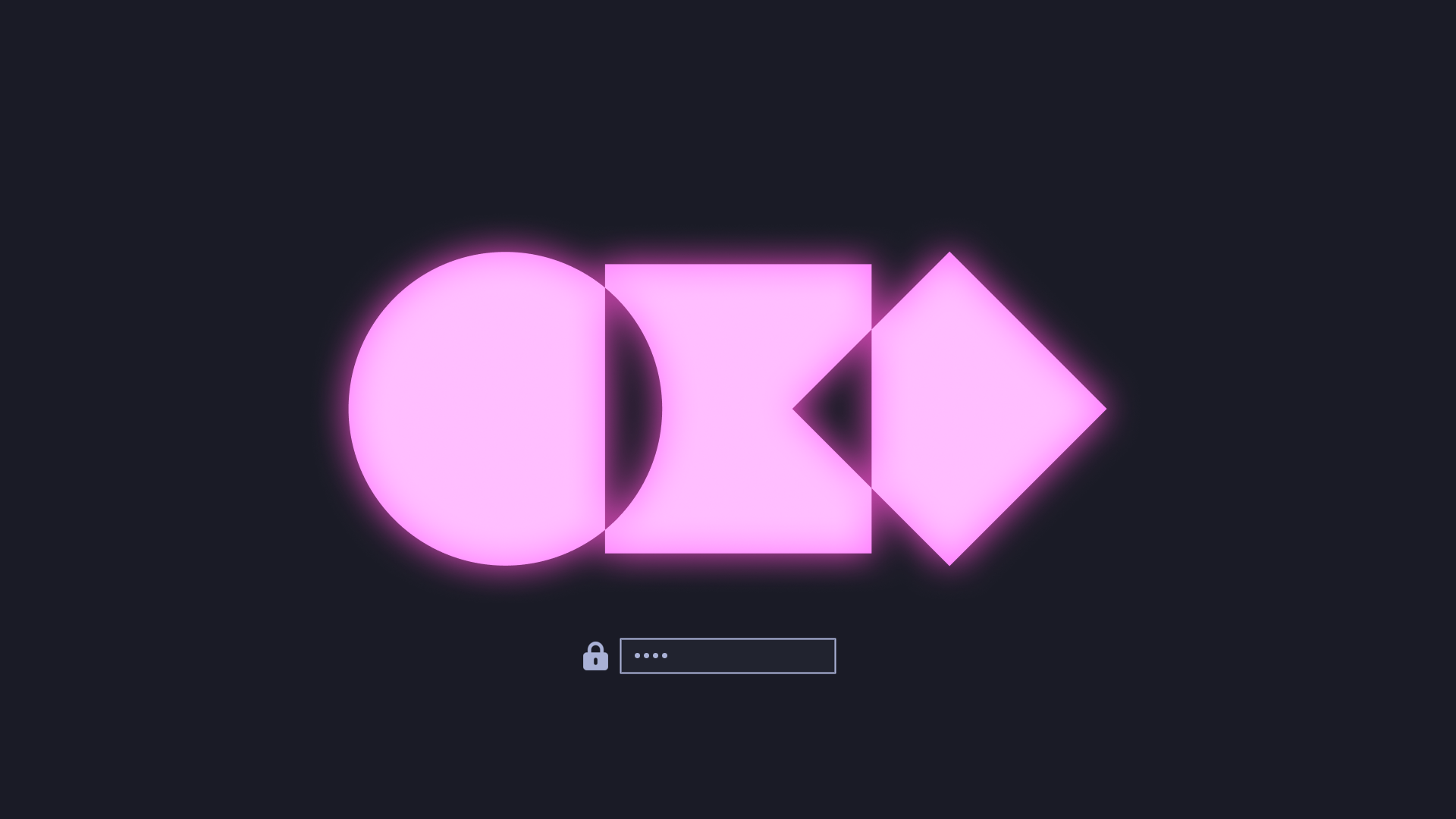 Tokyo Night
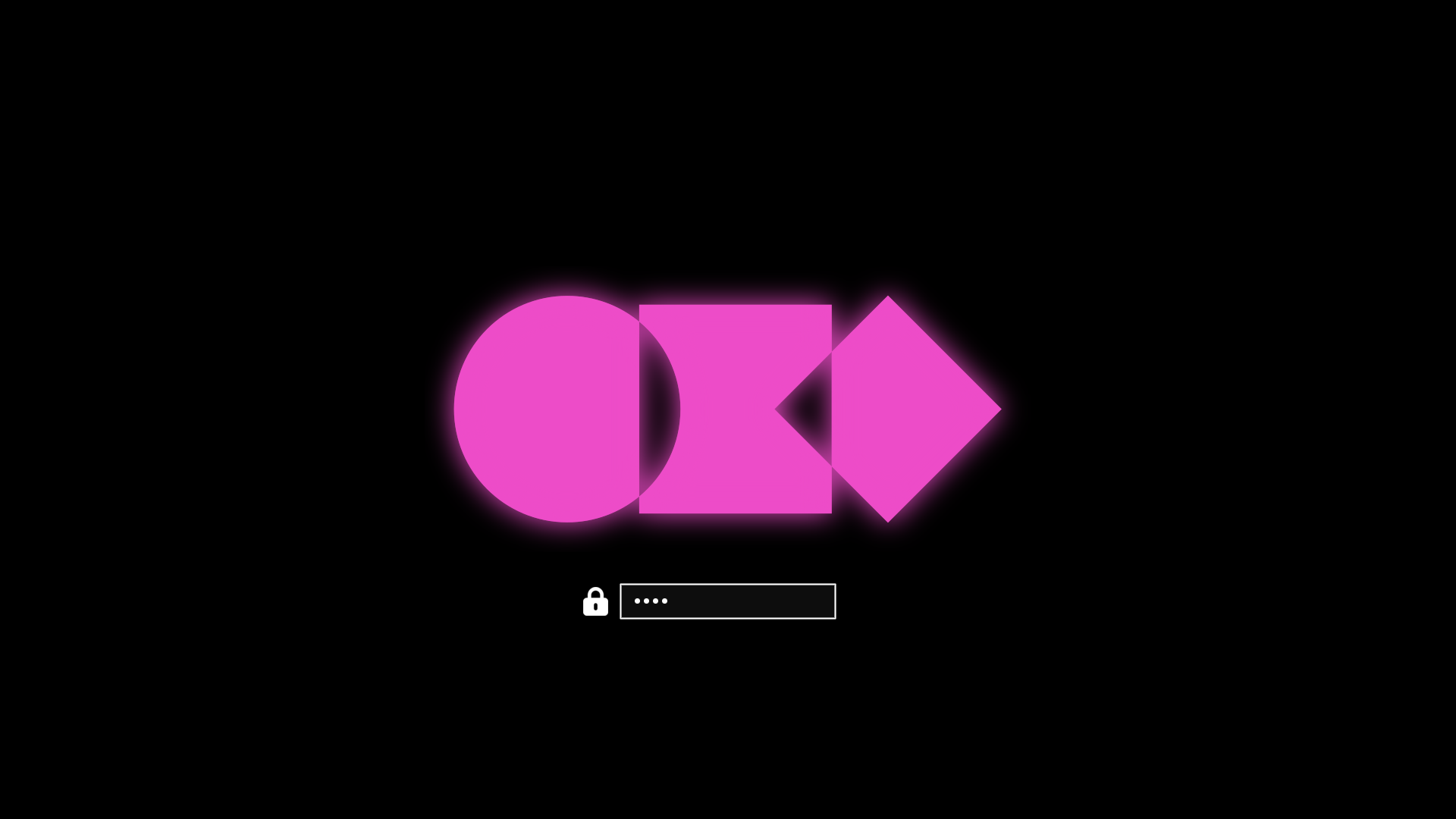 Vantablack
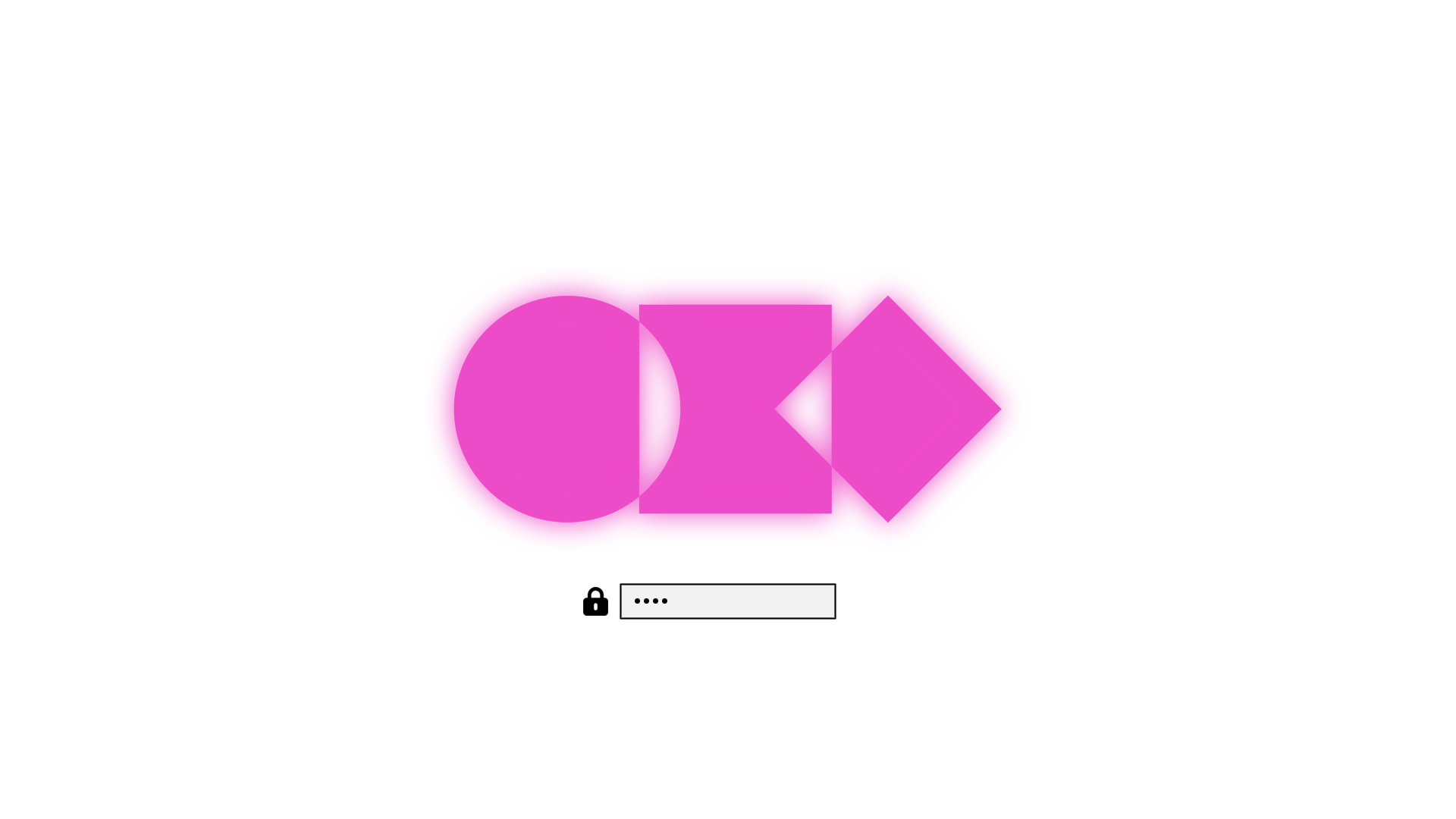 White
White